Convert WORD to PDF
PDF Review and Analysis: Convert DOC and DOCX to PDF to support clear viewing, validation, and collaborative review.

Our online Word to PDF tool enables analysis-friendly conversion of .doc and .docx to .pdf, preserving layout, formatting, and quality to support cross-device review and reliable inspection.
-
PDF to word converter online free
-
No software download or installation
-
Fast Word to PDF conversion
A Leading Tool for PDF Review and Analysis: Online Word to PDF Converter
For PDF Review and Analysis, use our conversion tool. Trusted for speed, accuracy, and consistent results, enabling informed review decisions.
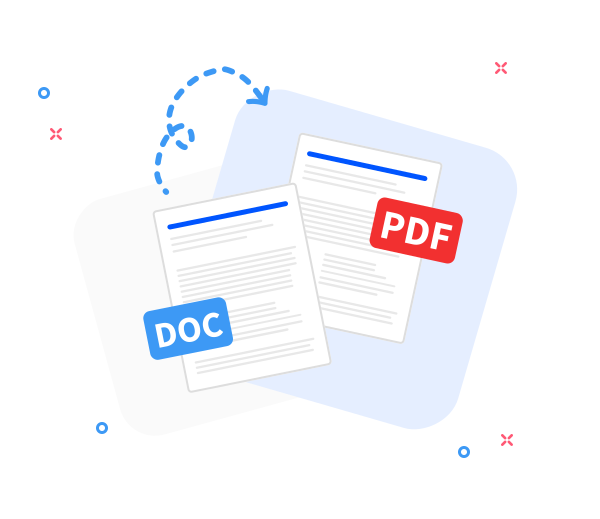
Seamless Word to PDF Conversion
Convert Word documents to PDF while preserving the original layout to support precise review and analysis. Fast, professional, and free, aligning with best practices for document review.
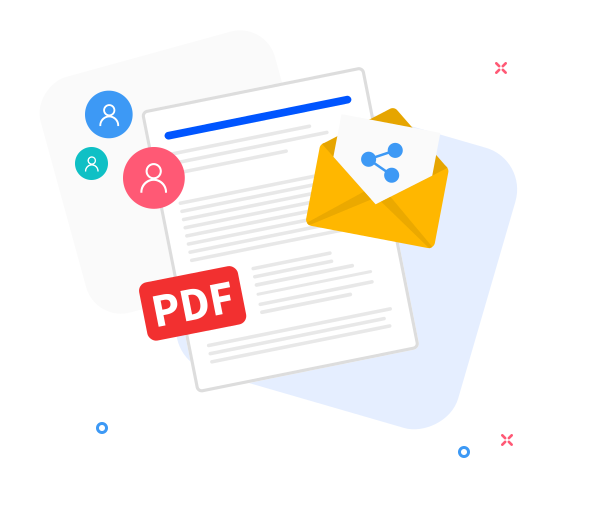
Share the converted files with others.
Structured collaboration workflows: after conversion, generate a secure review link or distribute the PDF via email to support iterative PDF review and analysis.
Support Structured PDF Review and Analysis to Enhance Content Quality
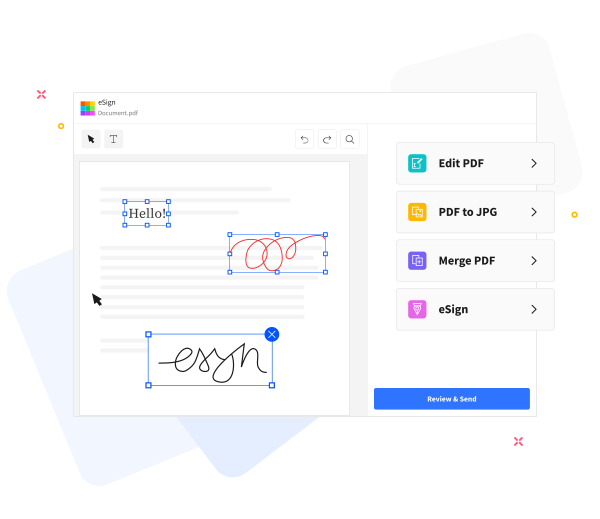
PDF Review and Analysis: Leverage built-in tools to prepare PDFs for review—add text, compress for emailing, annotate, or merge with other PDFs while preserving structure and traceability.
Frequently Asked Questions
Yes. The Word-to-PDF converter is free to use online. It enables converting Word documents to PDF without registration, watermarks, or installing any software, supporting an unobstructed initial PDF rendering suitable for PDF Review and Analysis.
Yes. The conversion preserves essential structure—text formatting, fonts, images, and page layout—providing a predictable PDF representation that supports consistent review outcomes in the PDF Review and Analysis workflow.
Yes. Security is addressed via HTTPS transfer and automated processing within a controlled workflow. All uploaded Word documents and generated PDFs are retained briefly and purged from servers after a short retention window to protect privacy and support ongoing analysis.

PDF Review and Analysis: How to convert a Word document to PDF for a structured review.
PDF Review and Analysis: Convert a Word file to PDF within a structured review workflow, in these steps:
- Upload your Word document to begin the PDF Review and Analysis workflow.
- Click “Convert to PDF”.
- Allow a brief processing interval as the document is parsed for structure, clarity, and accuracy during PDF Review and Analysis.
- Select Download to save the PDF for review records or to share with stakeholders as part of the analysis workflow.
 Remove pages