
{{ getFeatureName(action_mode) }} your image

Drop your image here.
Our popular AI tools
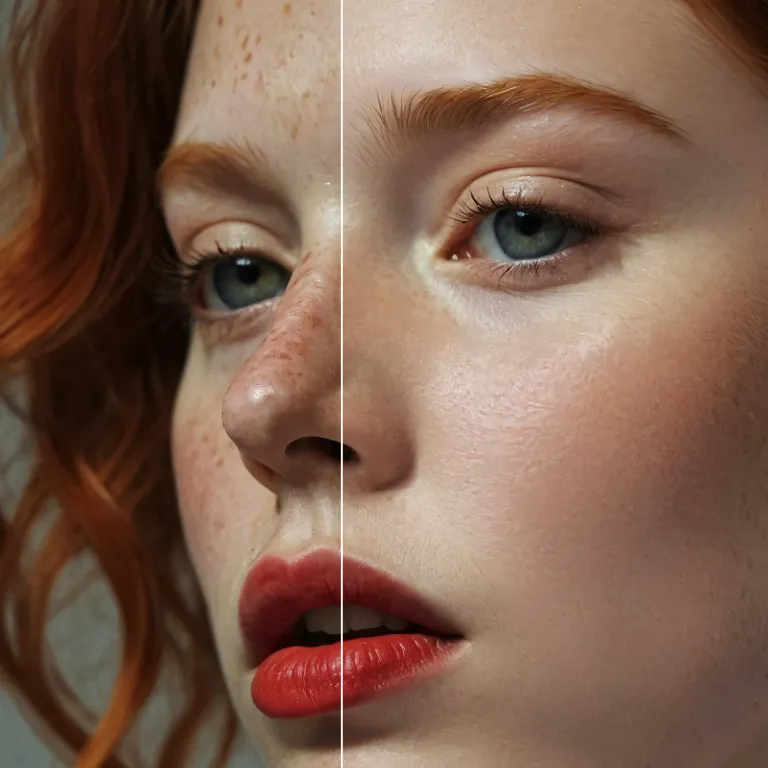
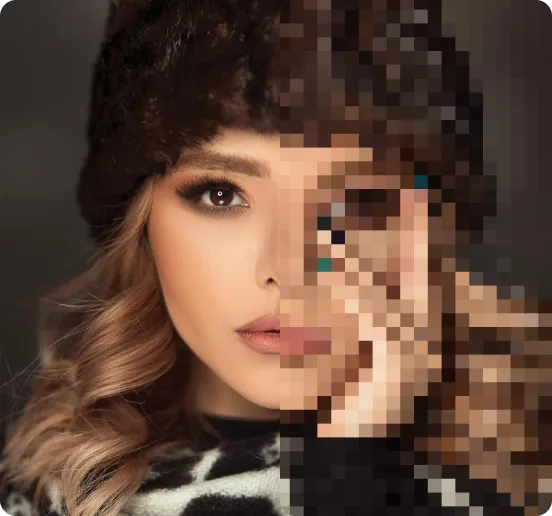
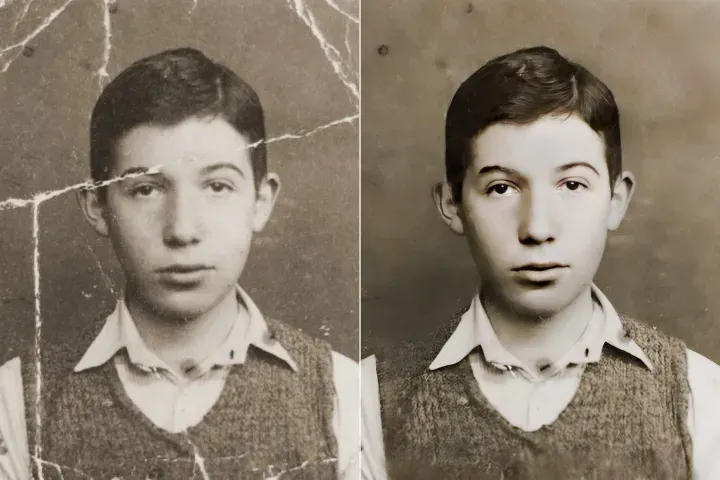
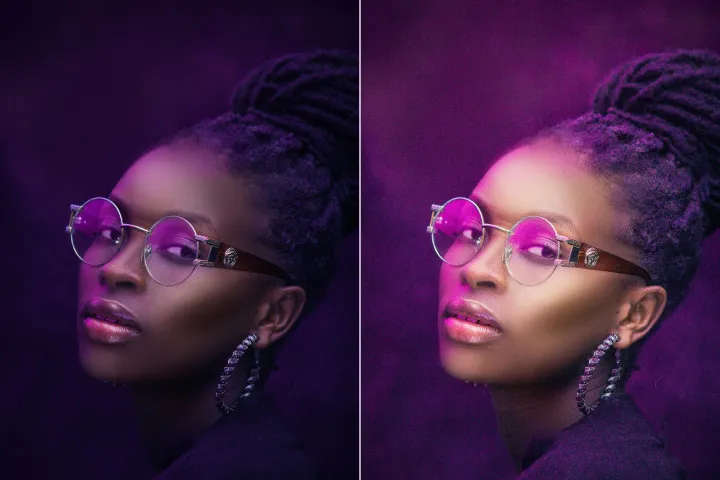
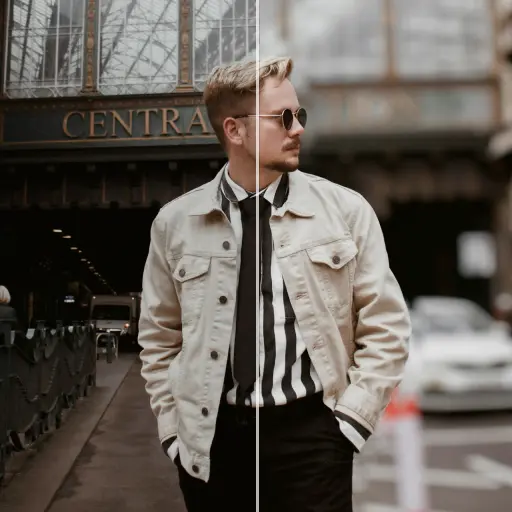
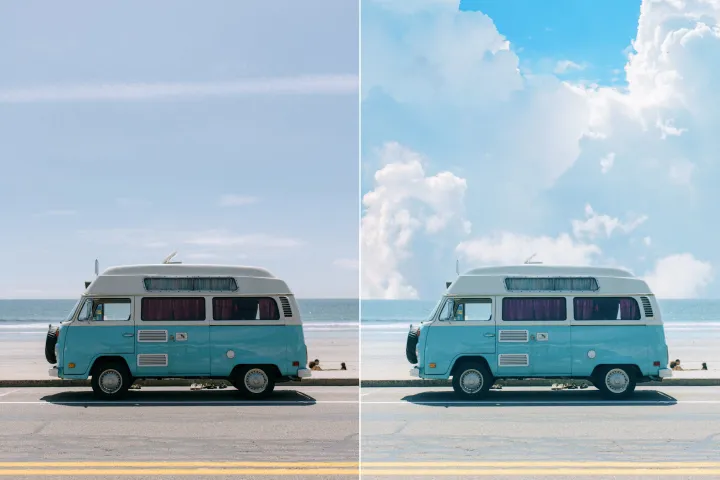
Enhance Photo
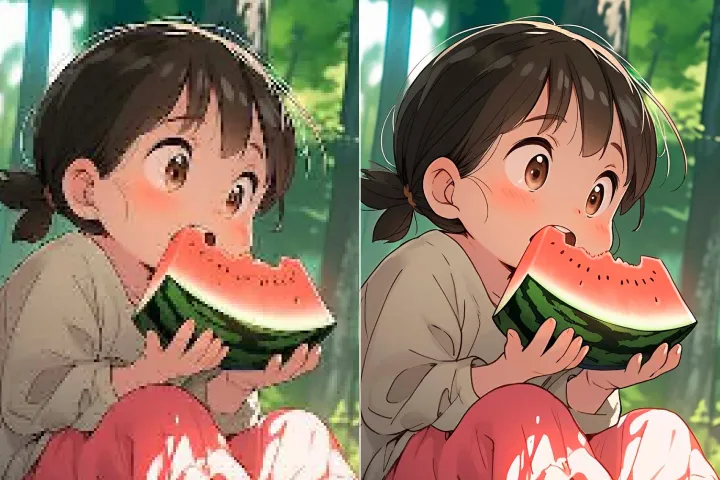
Automatically enhance the blurry photo's resolution and increase the overall quality.
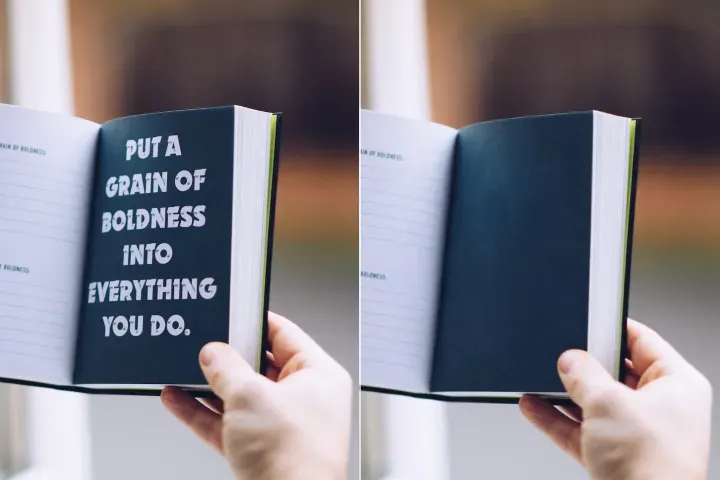
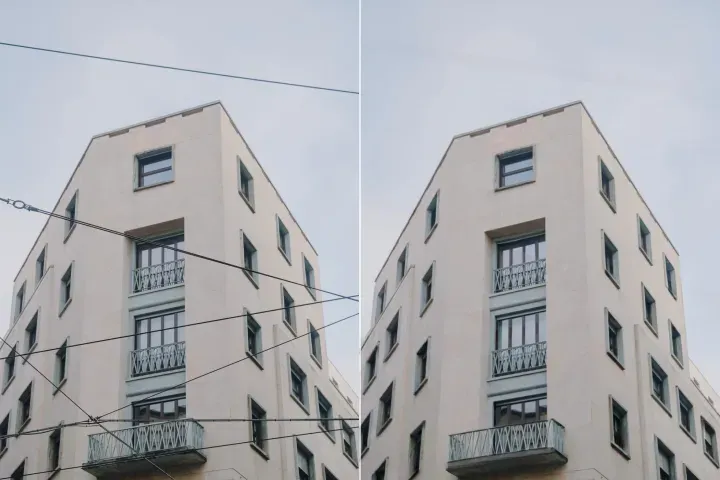
Remove Objects
AIPhotor's One-Touch AI simply detects and removes unwanted details in your picture.
Remove Background
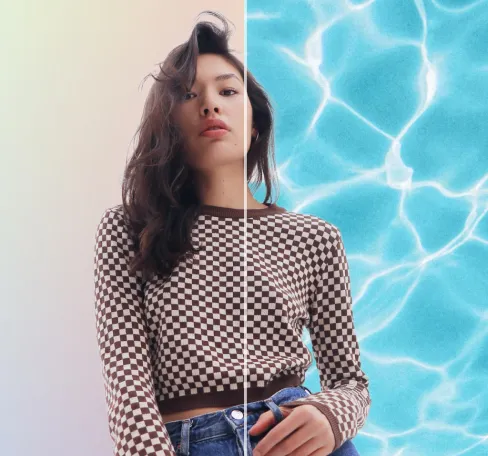
Seamlessly remove background from photos. Edit background with 100+ well-designed templates.

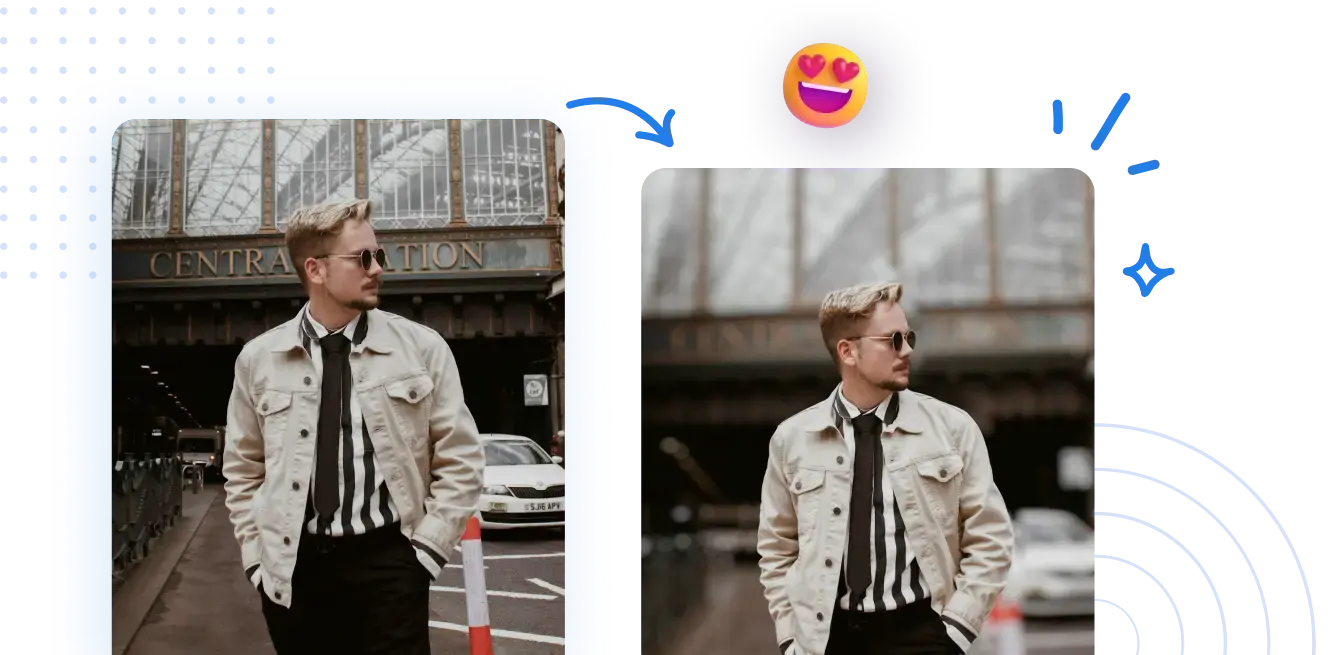
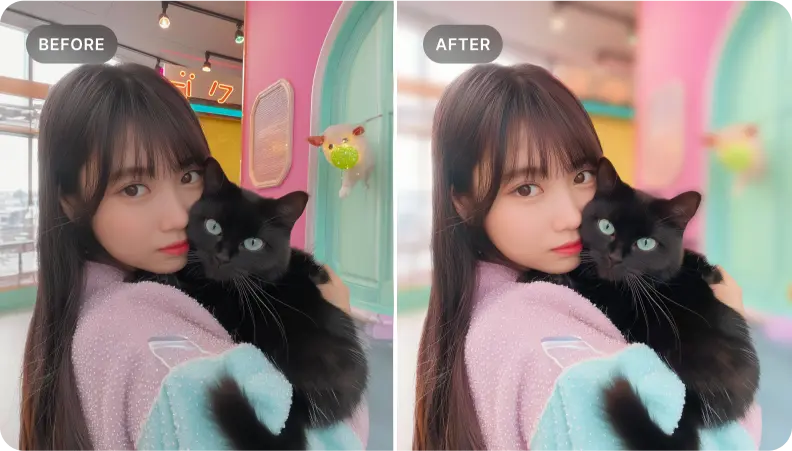
تمويه خلفية الصور مجاناً
سهل إعداد ملفات PDF مركزة وجاهزة للتحليل باستخدام أدوات مراجعة وتحليل PDF. سريعة ومتاحة.



كيفية إعداد PDF مركّز للمراجعة عبر الإنترنت
مراجعة وتحليل PDF: لا حاجة لتكوينات خاصة. ابدأ بمراجعة جاهزة للمحلل بخطوات قليلة مقصودة.
1 تحميل صورة
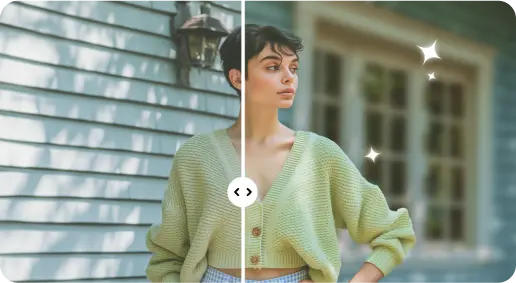
2 تشويش الخلفية بتأثيرات مدعومة بالذكاء الاصطناعي

3 احفظ الصورة الجديدة
حافة مثالية أداة تمويه الخلفية
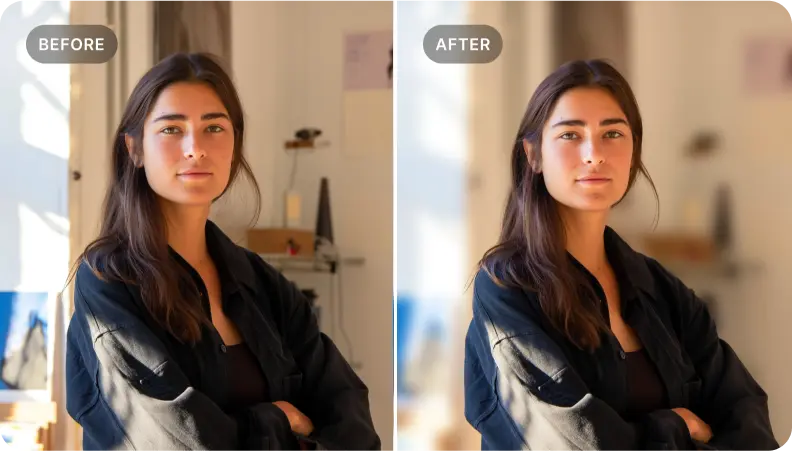
إضافة عمق إلى صور البورتريه
استخدم سير عمل مراجعة PDF لإضافة عمق إلى المستندات من خلال إبراز النتائج الرئيسية والتأكد من أن تركيز القارئ يتماشى مع المناطق الحرجة لاتخاذ القرار.
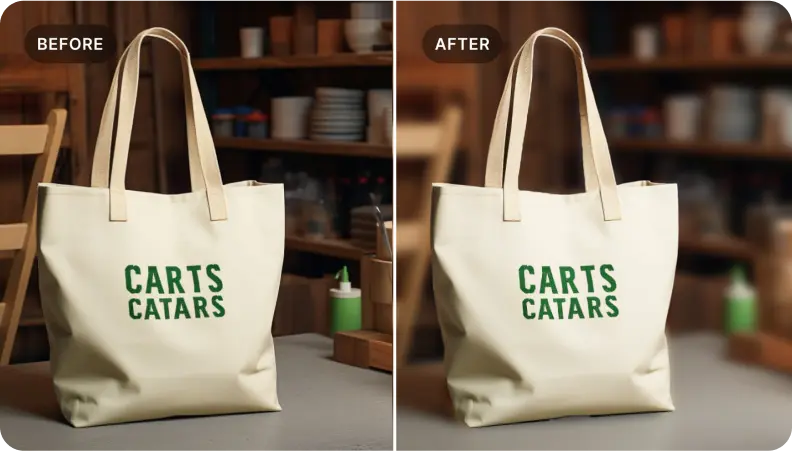
إبراز المنتجات في صور التجارة الإلكترونية
طبق نهج مراجعة PDF منظم لإبراز الأقسام والبيانات الحاسمة، مع ضمان وضوح التفاصيل الحرجة ودعم القرارات المستنيرة مع الحفاظ على السياق.
التركيز على أقسام محددة في ملف PDF
مثالي للمراجعين الذين يحتاجون إلى عزل العناصر الرئيسية. أبرز السياق المحيط لصياغة سرد موجز يركز على القرار.

Free to Try
AIPhotor is free to try for 3 days, after which you can subscribe to one of our incredible value plans.

Free to Try
We automatically sharpen and transform your images with AI to create multiple final looks. But you can also adjust and add a prompt to customize the results. Choose what works best for you!

Quick & Easy
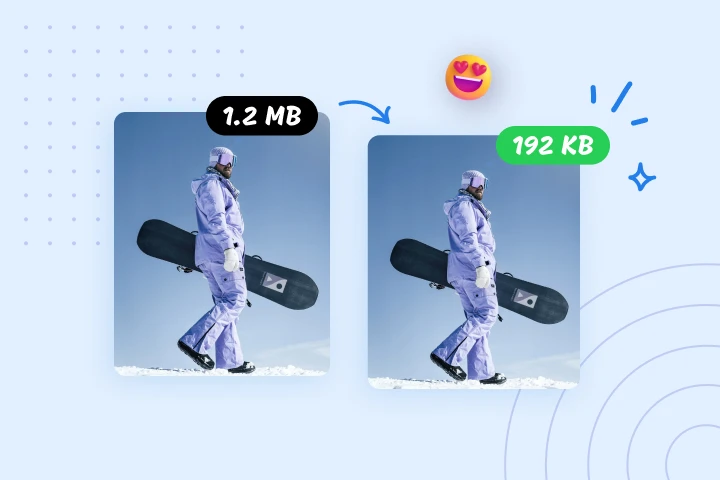
Screen, edit, resize and download your photos lightning fast.

Compatible with all devices
AIPhotor is available on the iOS and Android stores. Our app works seamlessly across mobile, desktop, and tablet devices.
Frequently Asked Questions
-
What is AIPhotor Photo Editor?

 AIPhotor is a visual online photo editing website that leverages AI technology to help automatically remove objects/people from images; retouch, enhance, colorize, correct, cartoonize, and animate photos in a snap, replacing other photo editing tools Photoshop, Pixlr editor, or Photopea.
Or just drag & drop image here, upto 50 images at once
Or just drag & drop image here, upto 50 images at once
Frequently Asked Questions
-
What is AIPhotor Photo Editor?
AIPhotor is a visual online photo editing website that leverages AI technology to help automatically remove objects/people from images; retouch, enhance, colorize, correct, cartoonize, and animate photos in a snap, replacing other photo editing tools Photoshop, Pixlr editor, or Photopea.