
{{ getFeatureName(action_mode) }} your image

Drop your image here.
Our popular AI tools
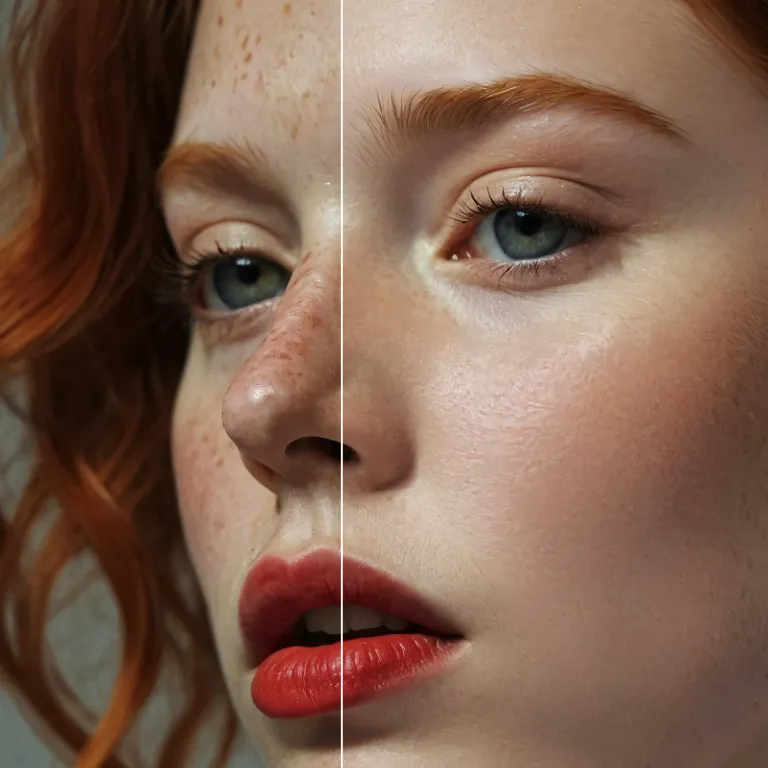
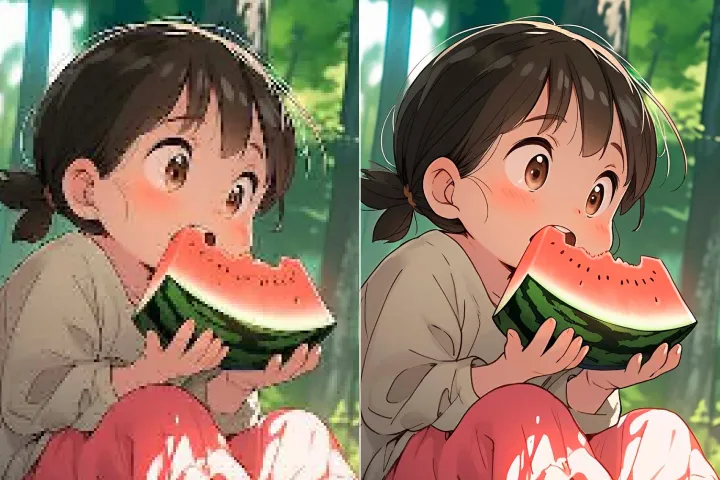
Enhance Photo
Automatically enhance the blurry photo's resolution and increase the overall quality.
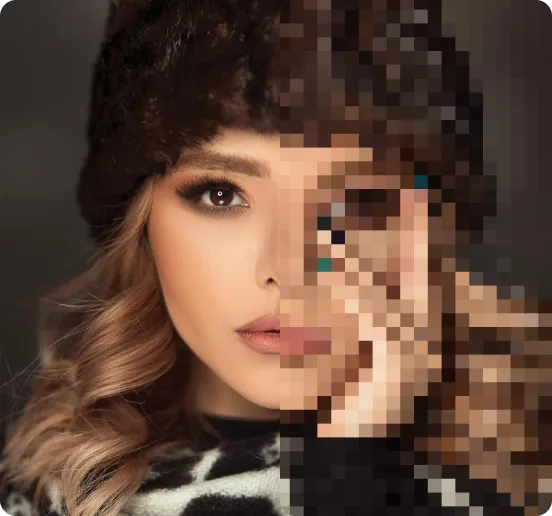
Remove Objects
AIPhotor's One-Touch AI simply detects and removes unwanted details in your picture.
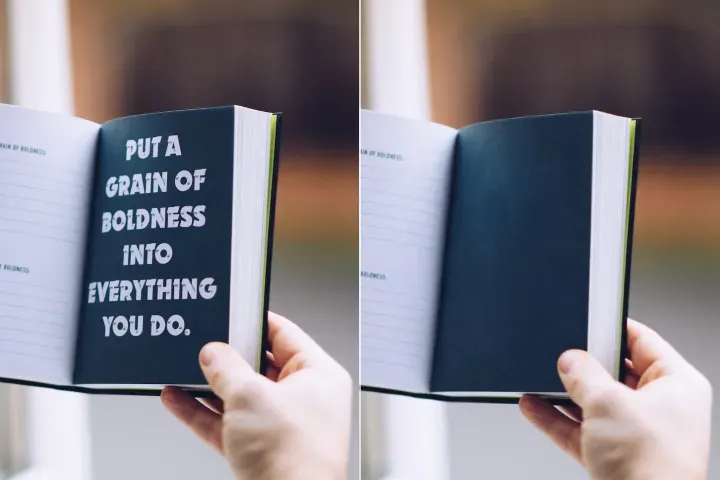
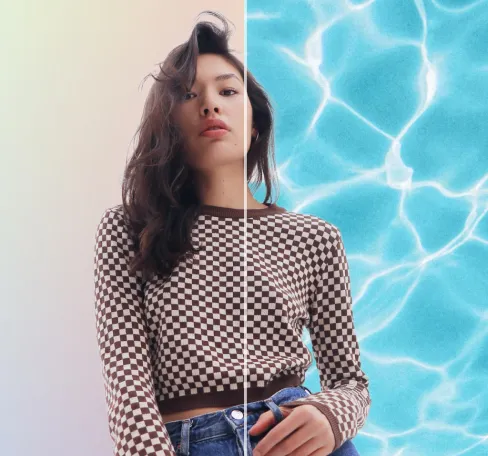
Remove Background
Seamlessly remove background from photos. Edit background with 100+ well-designed templates.
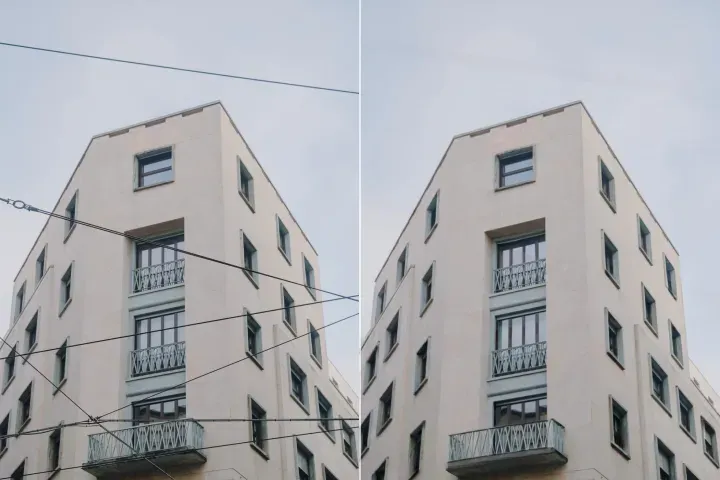
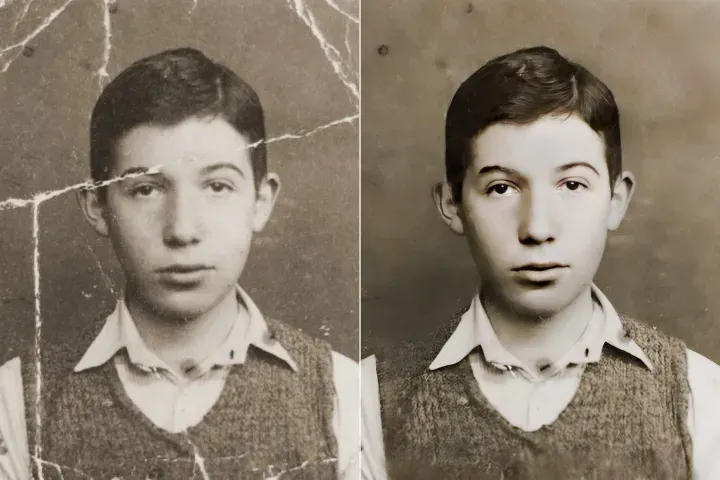
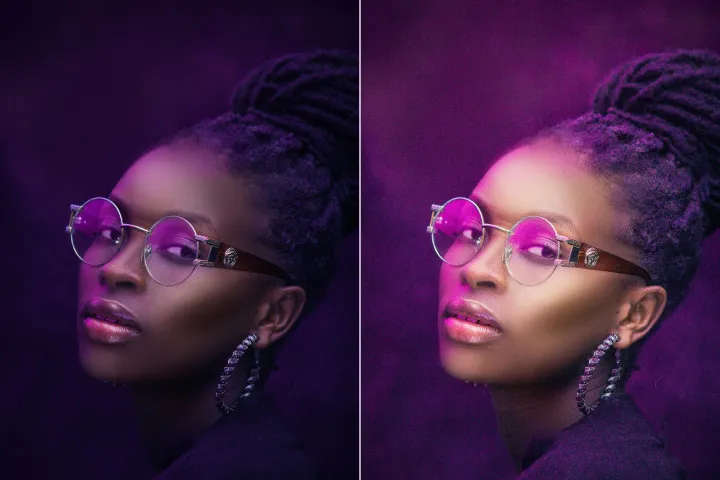
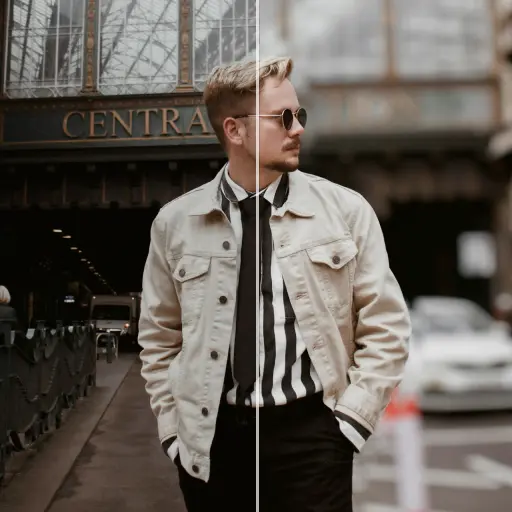

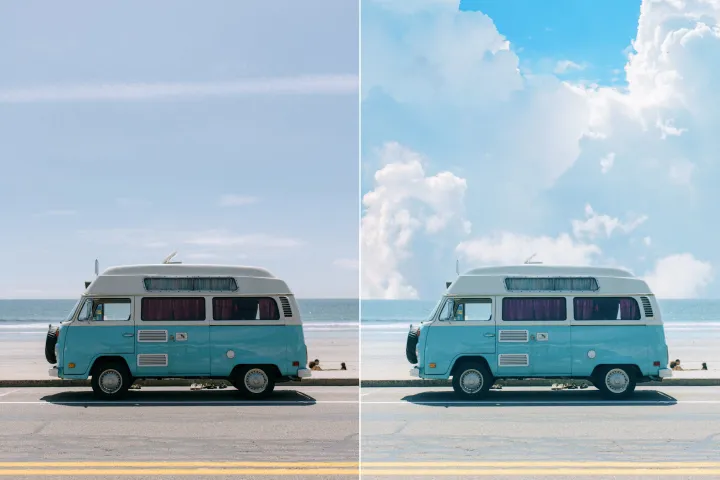
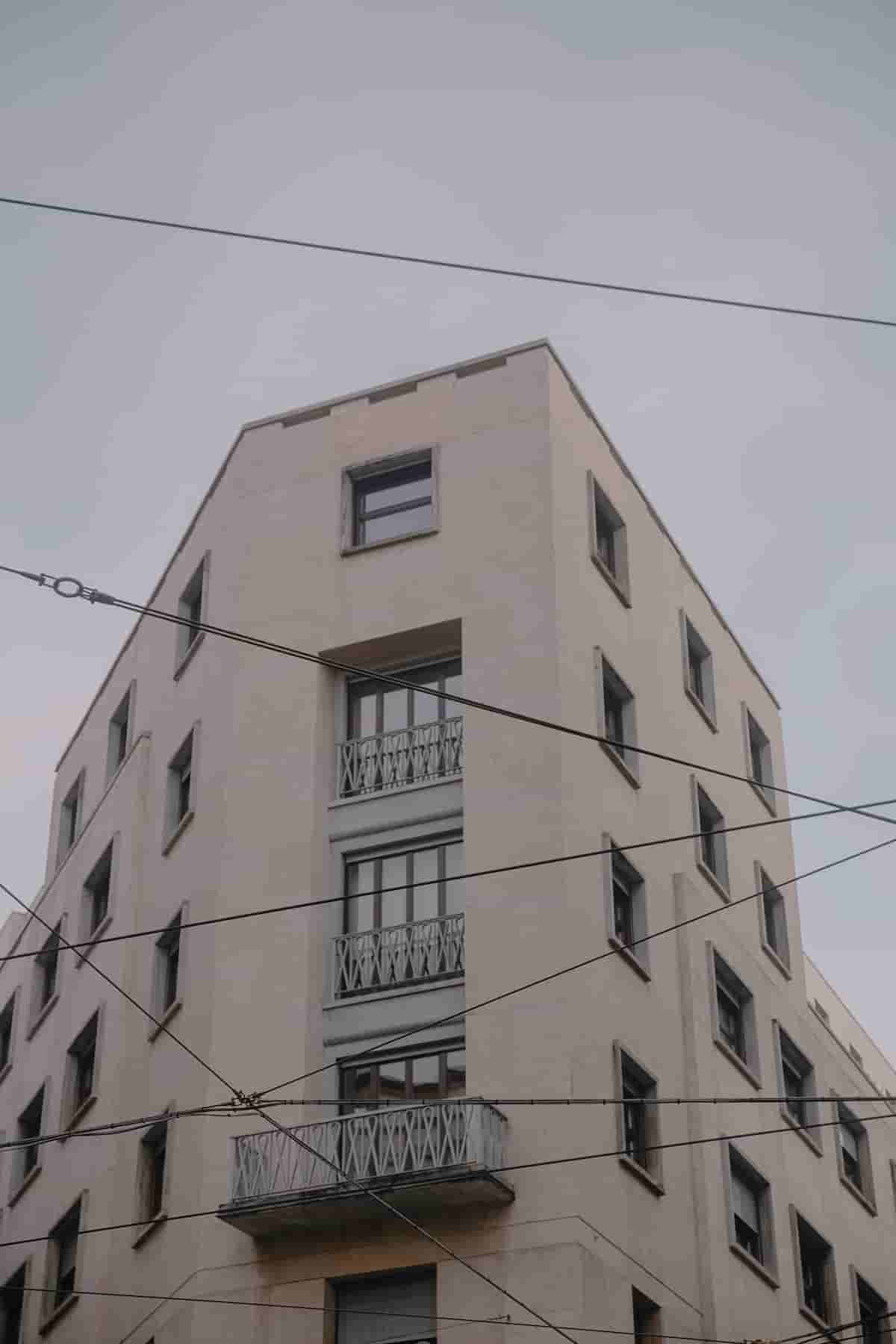
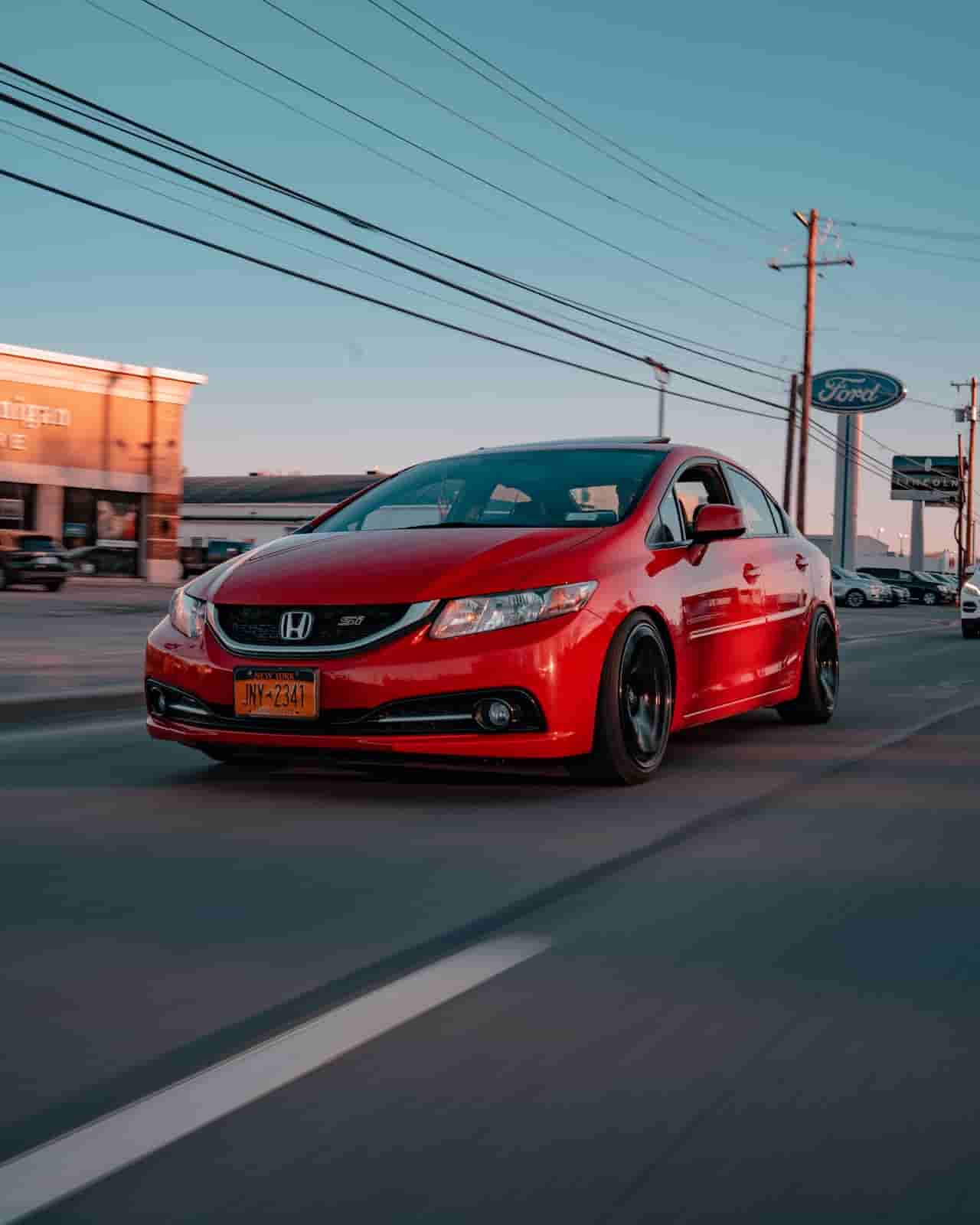
إزالة خطوط الكهرباء
من الصور
تحديد وإزالة العناصر الرسومية المشتتة، مثل الخطوط، من ملفات PDF لتحسين قابلية القراءة في سير عمل مراجعة وتحليل PDF.

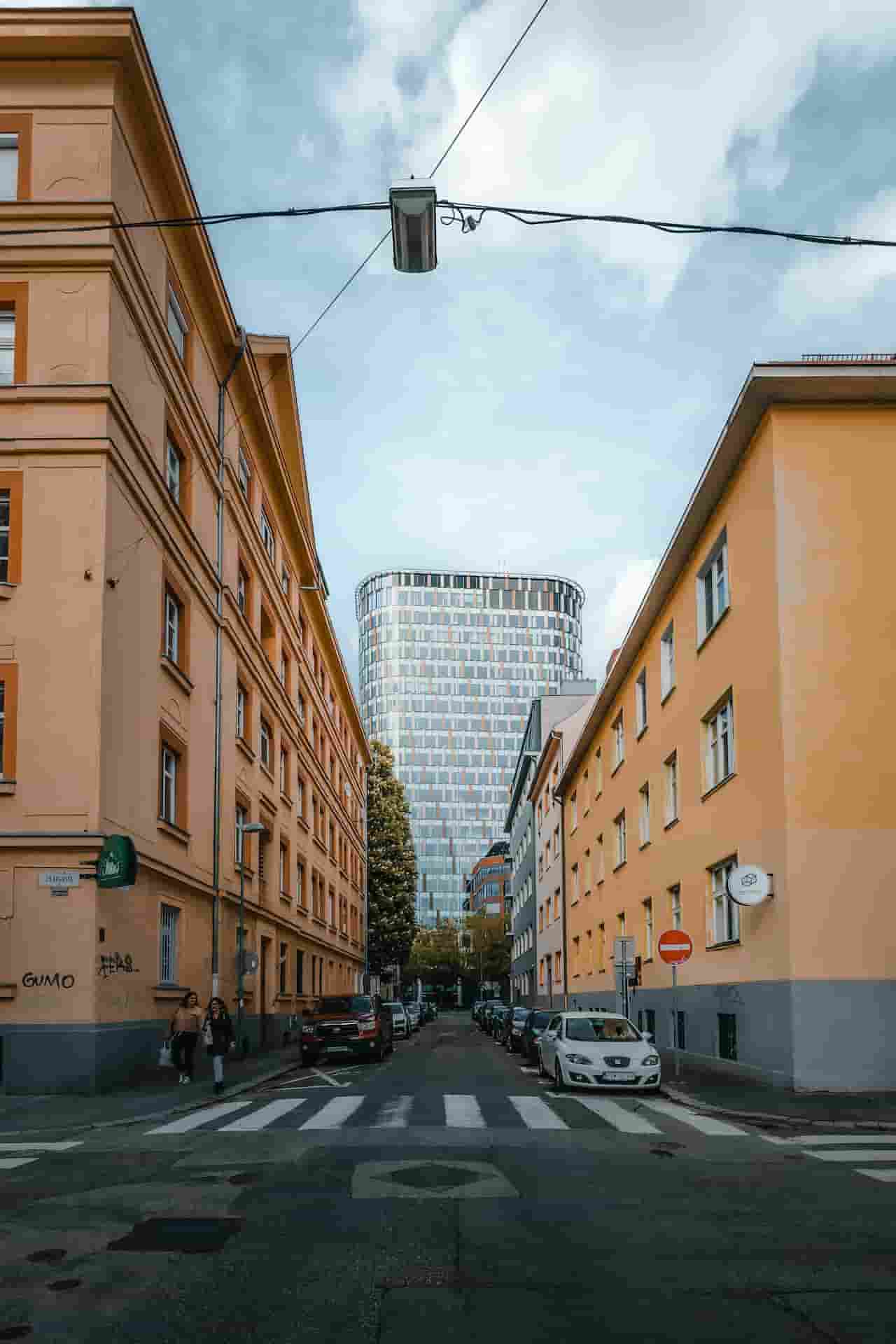

كيفية مراجعة وإزالة العناصر الرسومية غير المرغوبة من ملفات PDF
في سير عمل مراجعة PDF، ركّز على وضوح المحتوى؛ يقوم محللنا بإزالة الخطوط المشتتة بسرعة دون الحاجة إلى تحرير يدوي موسّع.
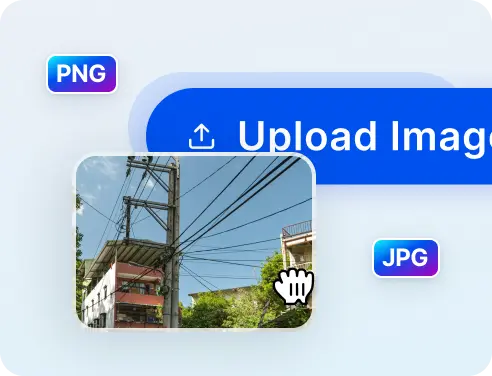
1 تحميل الصورة
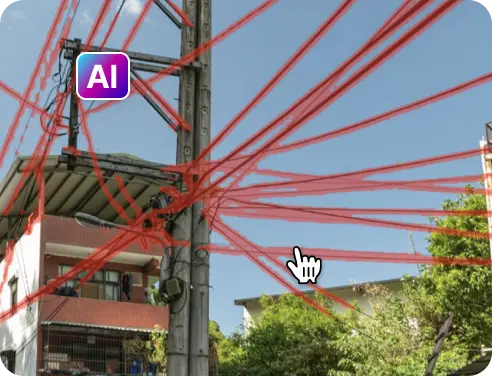
2 انتظر المعالجة
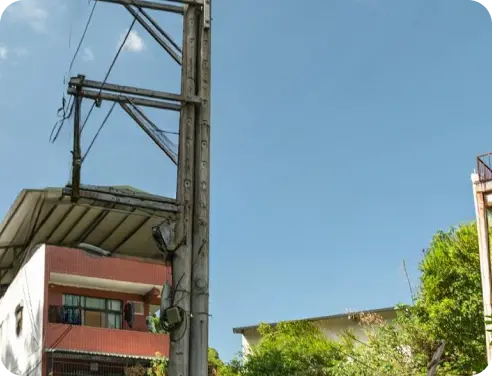
3 إزالة ومقارنة النتيجة
4 تحميل صورتك
إزالة خطوط الكهرباء من الصورة مع AIPhotor
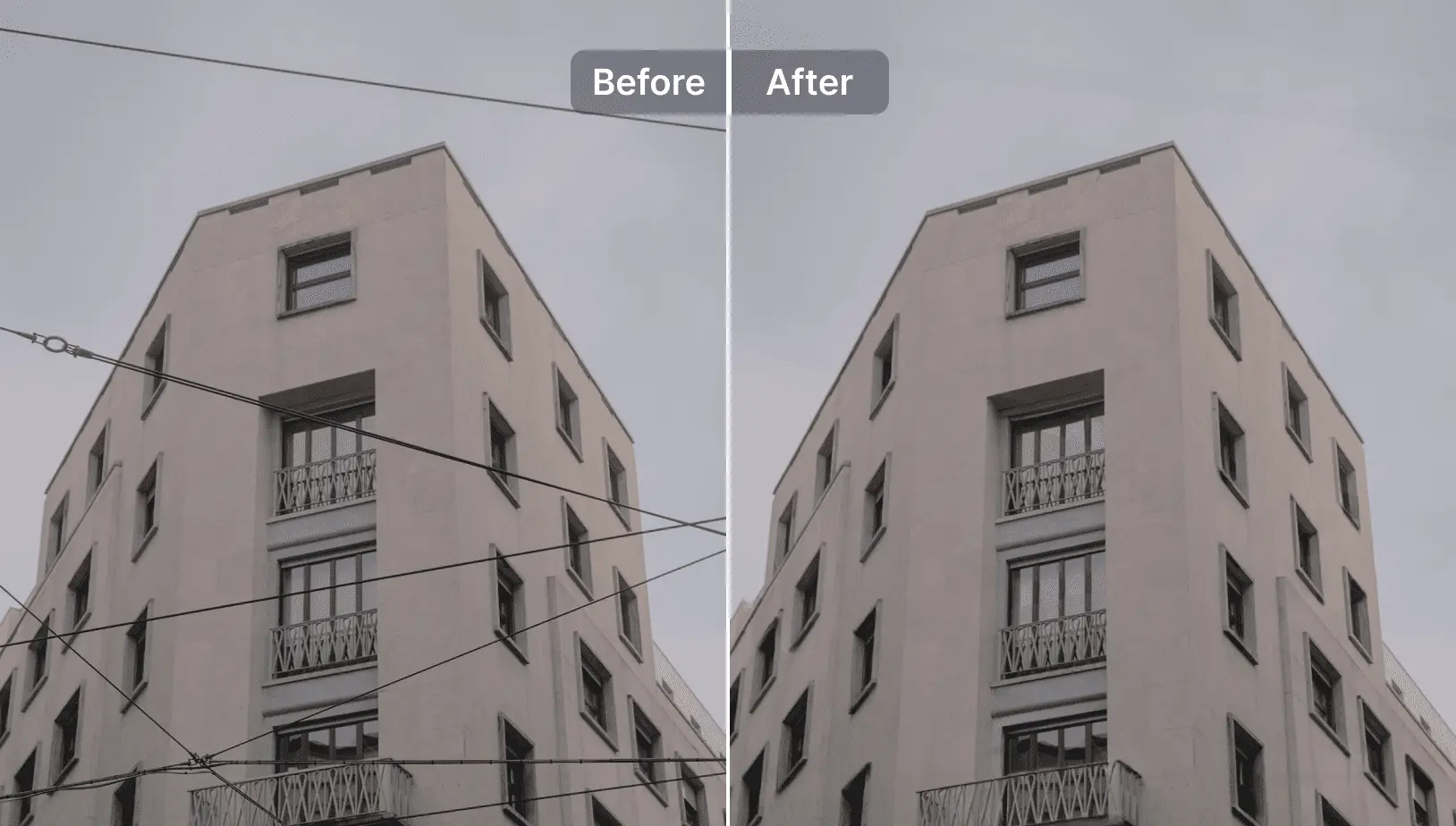
نظّف حتى أكثر الخلفيات ازدحاماً
في إطار سير عمل مراجعة وتحليل PDF، تُزال الخطوط المزدحمة بسلاسة، ولا تُترك أي آثار قد تُخفي المحتوى.
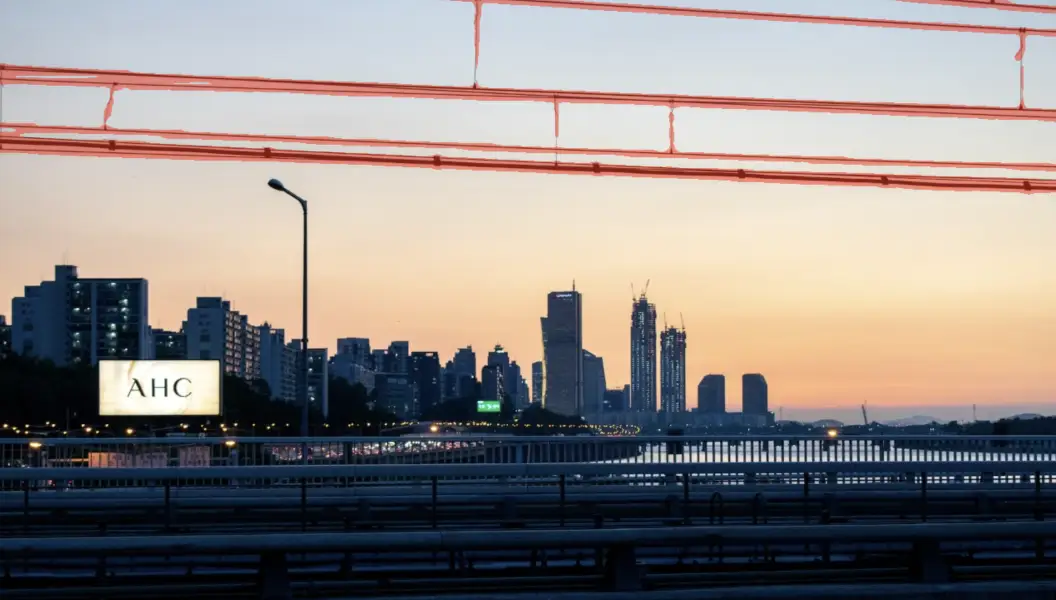
اكتشافات تلقائية قوية بالذكاء الاصطناعي
يحدّد الذكاء الاصطناعي جميع خطوط الكهرباء ويضع عليها علامات بسرعة لدعم الإزالة الدقيقة ضمن سير عمل مراجعة وتحليل PDF.
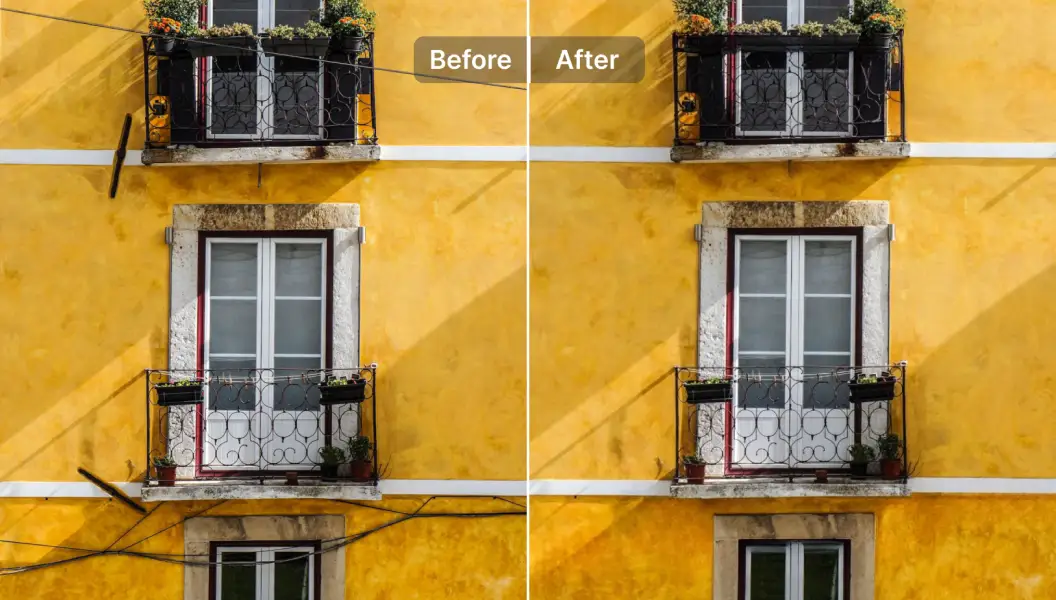
يحافظ على جودة الصورة وتفاصيلها
يُعيد الذكاء الاصطناعي العيوب إلى حالتها الطبيعية للحفاظ على المظهر الطبيعي والإخراج عالي الجودة، بما يتماشى مع معايير مراجعة وتحليل PDF الدقيقة.

Free to Try
AIPhotor is free to try for 3 days, after which you can subscribe to one of our incredible value plans.

Free to Try
We automatically sharpen and transform your images with AI to create multiple final looks. But you can also adjust and add a prompt to customize the results. Choose what works best for you!

Quick & Easy
Screen, edit, resize and download your photos lightning fast.

Compatible with all devices
AIPhotor is available on the iOS and Android stores. Our app works seamlessly across mobile, desktop, and tablet devices.
Frequently Asked Questions
-
What is AIPhotor Photo Editor?

 AIPhotor is a visual online photo editing website that leverages AI technology to help automatically remove objects/people from images; retouch, enhance, colorize, correct, cartoonize, and animate photos in a snap, replacing other photo editing tools Photoshop, Pixlr editor, or Photopea.
Or just drag & drop image here, upto 50 images at once
Or just drag & drop image here, upto 50 images at once
Frequently Asked Questions
-
What is AIPhotor Photo Editor?
AIPhotor is a visual online photo editing website that leverages AI technology to help automatically remove objects/people from images; retouch, enhance, colorize, correct, cartoonize, and animate photos in a snap, replacing other photo editing tools Photoshop, Pixlr editor, or Photopea.