
{{ getFeatureName(action_mode) }} your image

Drop your image here.
Our popular AI tools
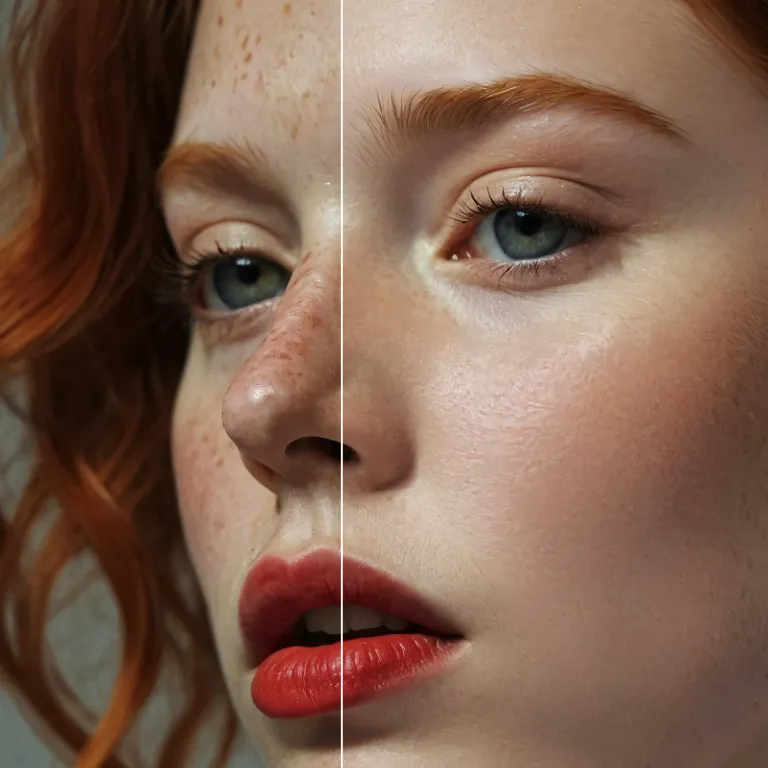
Enhance Photo
Automatically enhance the blurry photo's resolution and increase the overall quality.
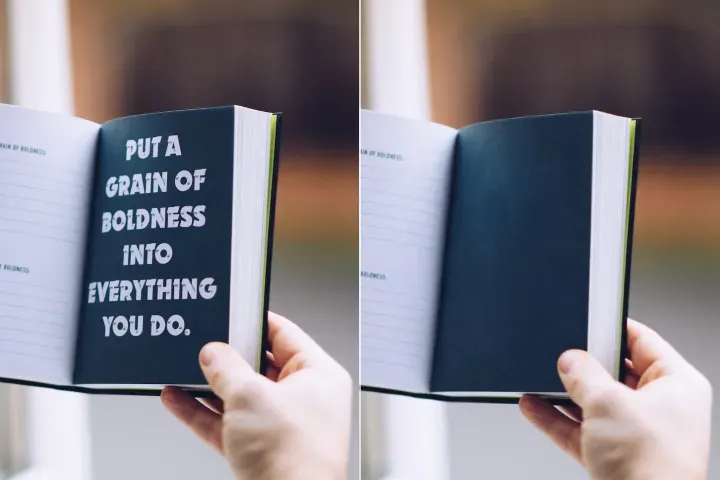
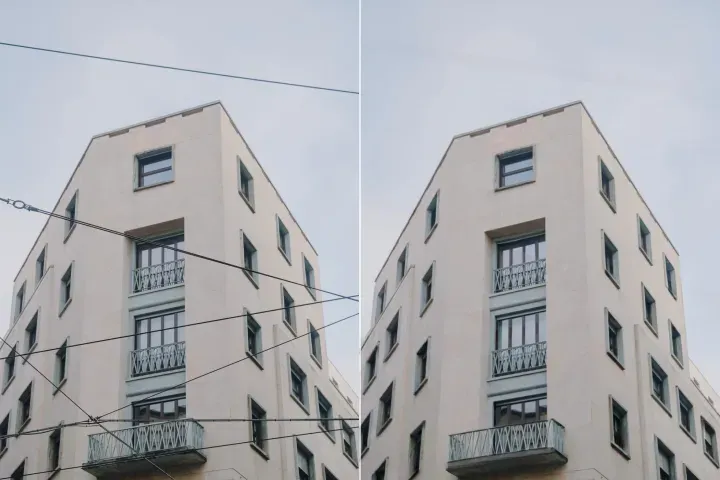
Remove Objects
AIPhotor's One-Touch AI simply detects and removes unwanted details in your picture.
Remove Background
Seamlessly remove background from photos. Edit background with 100+ well-designed templates.
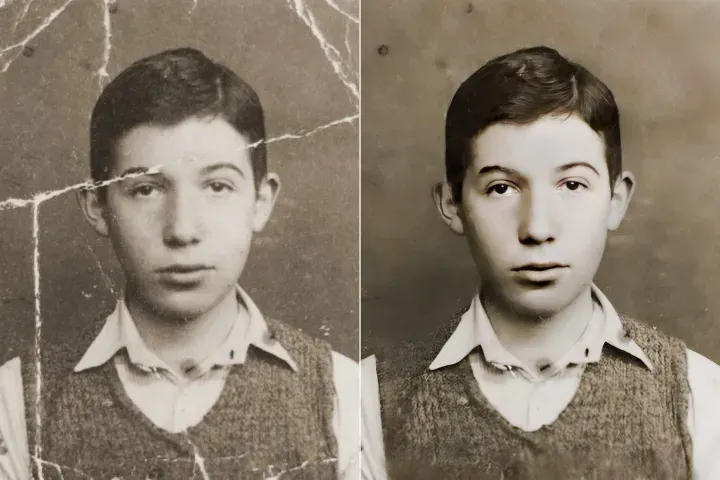
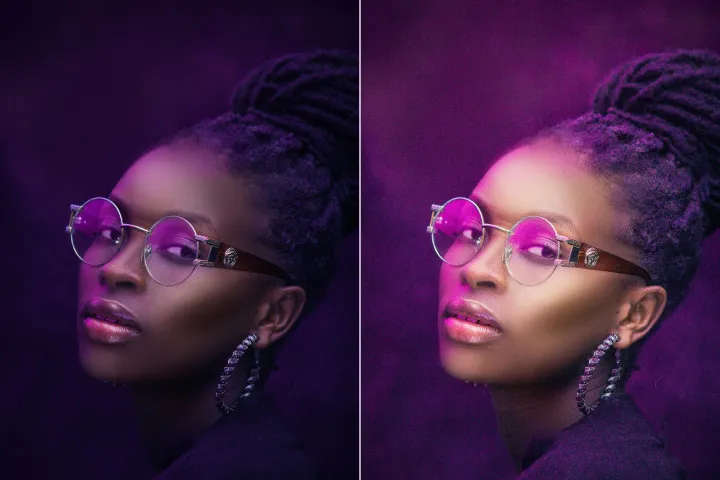
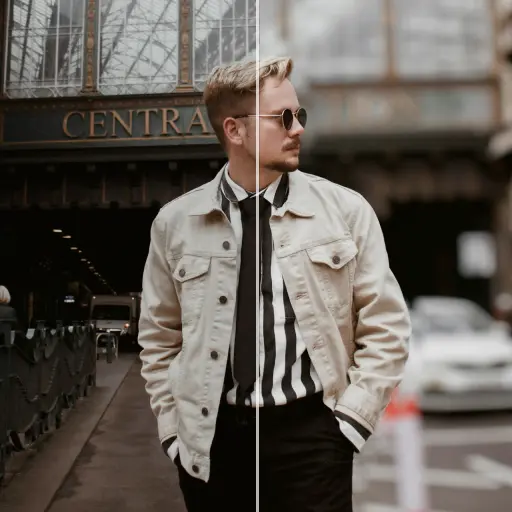
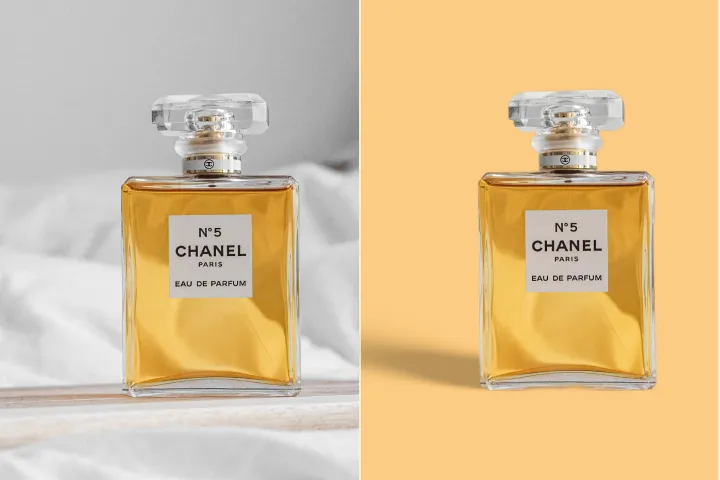
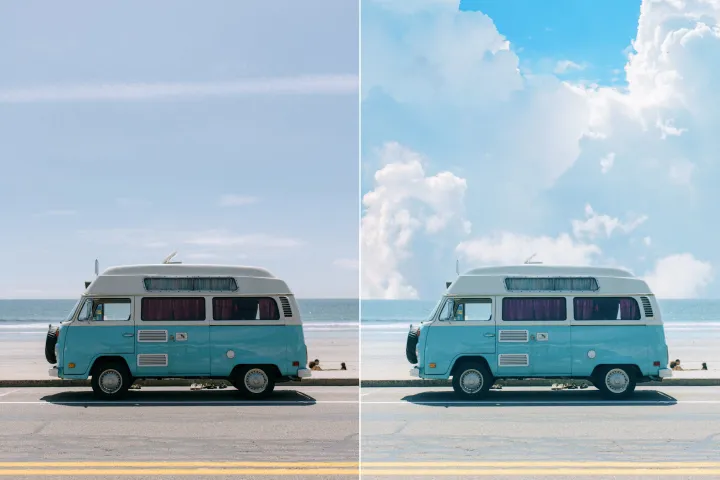
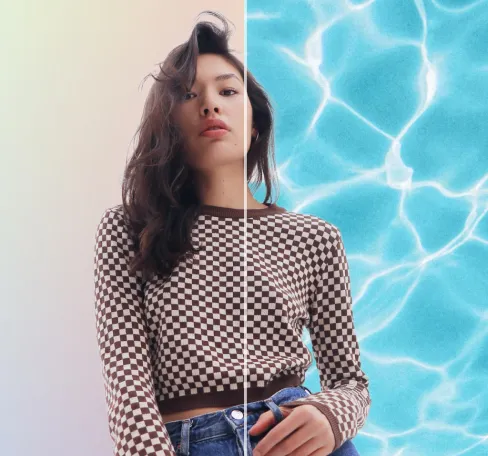
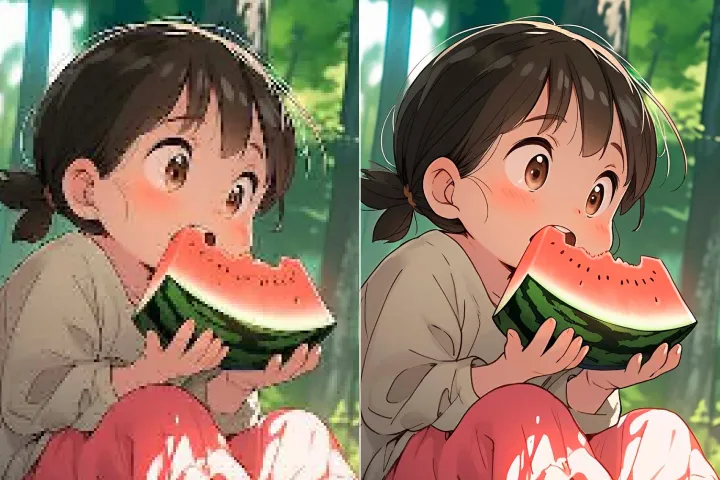
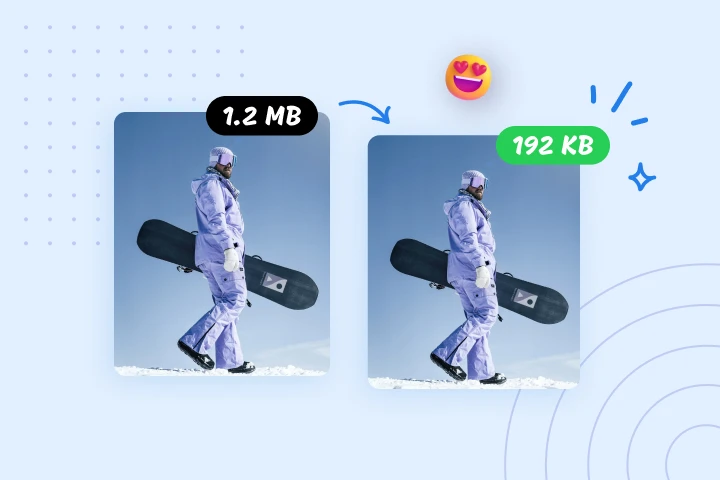
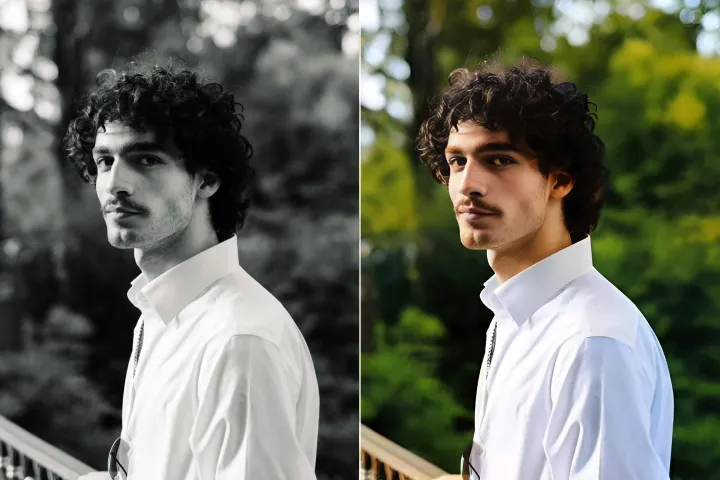
Penghapus Latar Belakang Gambar
dengan AI
Fokus konten PDF: Hapus elemen latar belakang yang mengganggu dari gambar atau elemen grafis untuk meningkatkan keterbacaan selama tinjauan. Sesuaikan visual, serasikan warna, atau ganti latar belakang dengan templat netral, dipandu oleh AIPhotor.
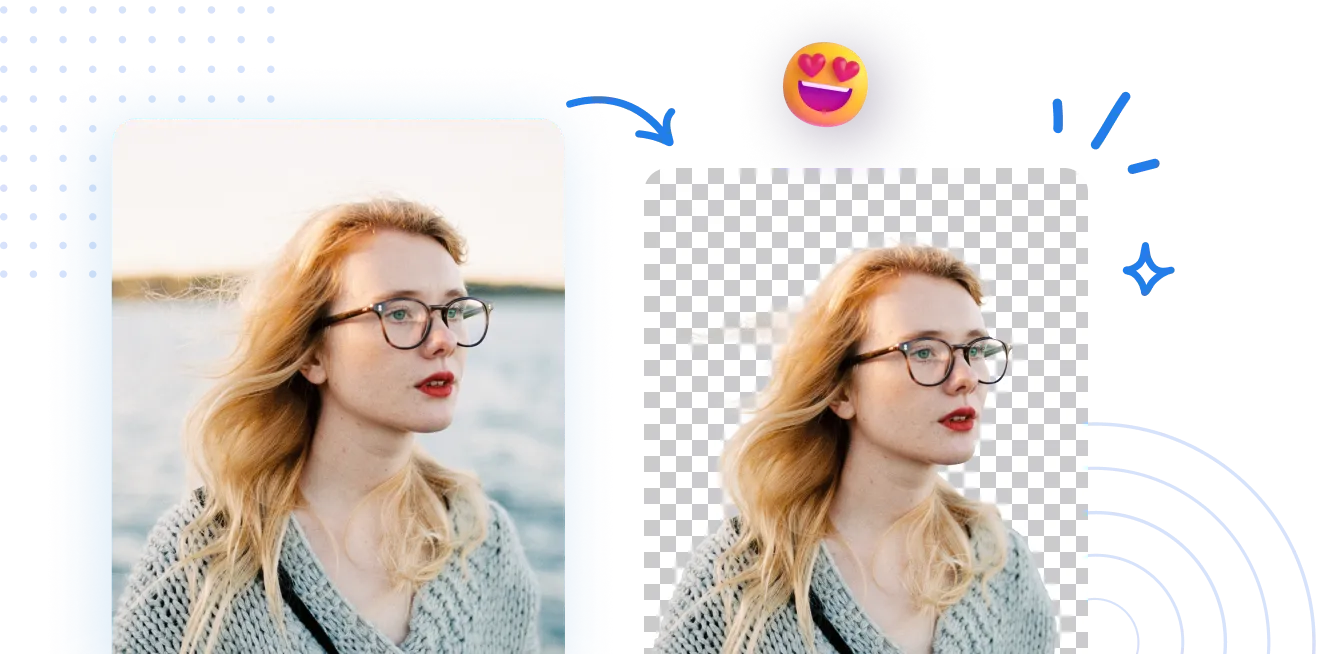
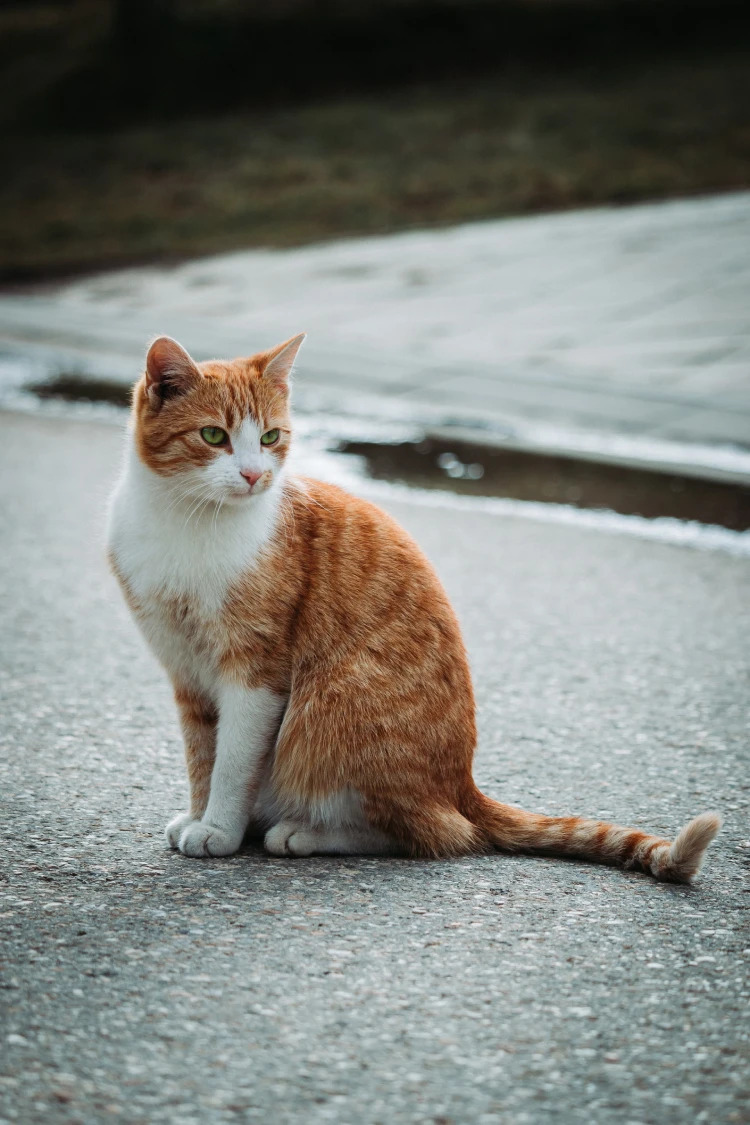
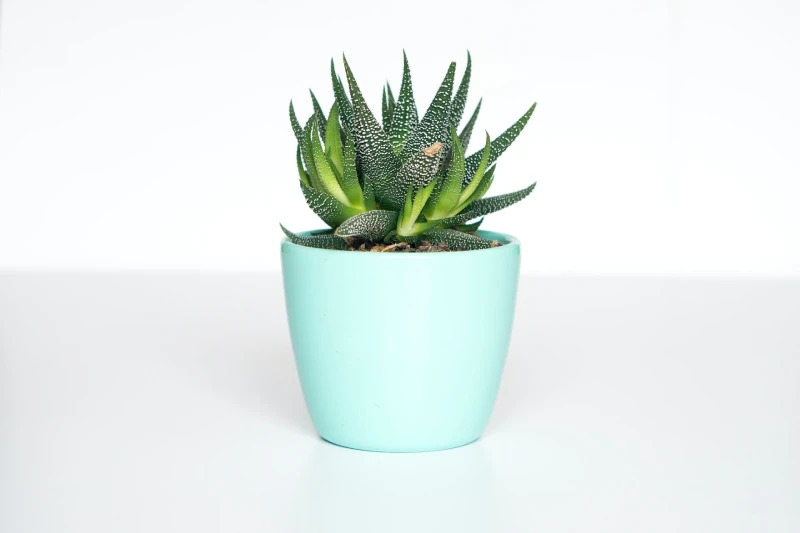
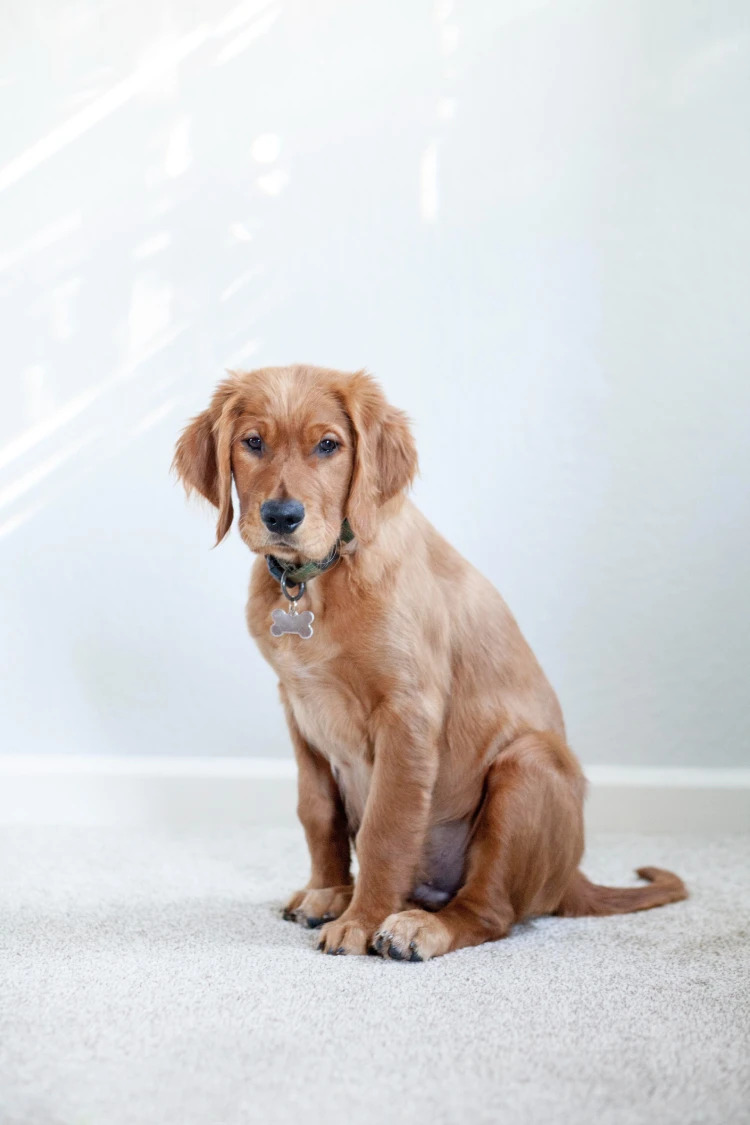
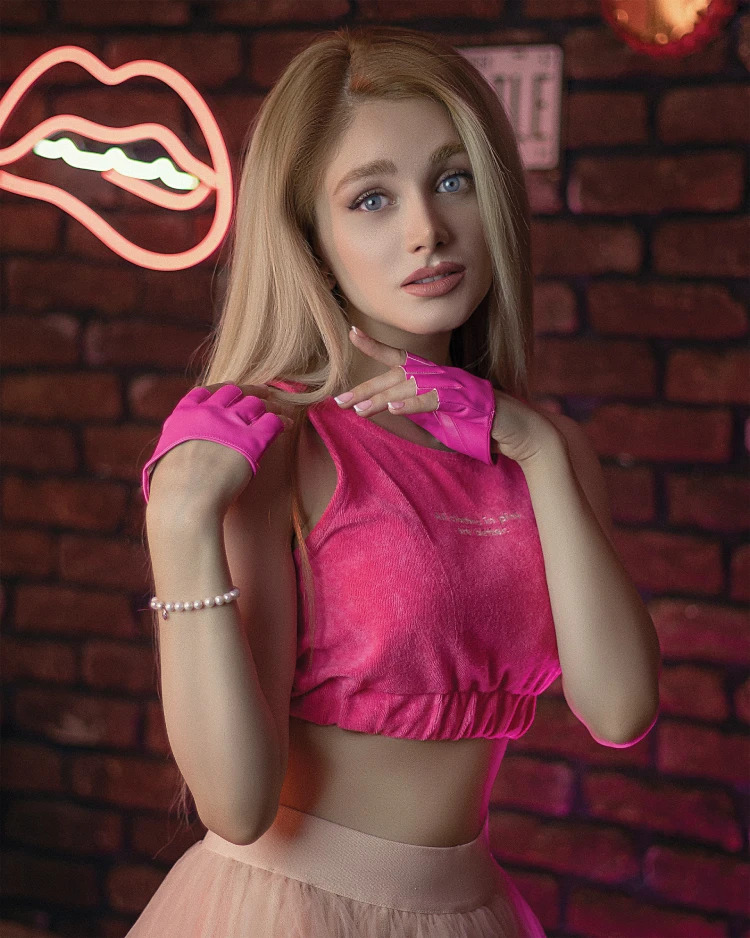
Cara menghapus latar belakang dari sebuah foto?
Alur kerja Peninjauan PDF: Gunakan Background Remover milik AIPhotor dalam 3 langkah dalam alur tinjauan PDF. Langkah 1: Akses fitur Background Remover dan pilih elemen target dalam dokumen. Langkah 2: Biarkan AI menganalisis dan menghapus gangguan latar belakang; Langkah 3: Terapkan penyempurnaan dan ekspor visual PDF yang telah direvisi.
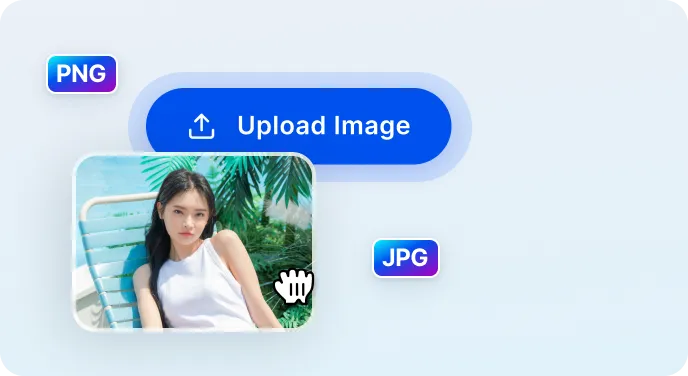
1 Unggah gambar
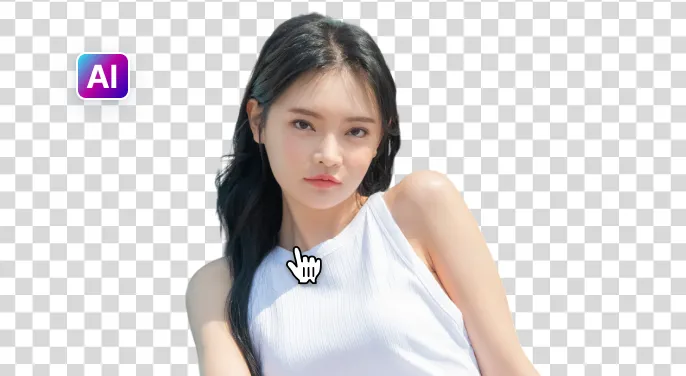
2 Tunggu AI menghapus latar belakang
3 Unduh gambar
Hapus latar belakang gambar lebih mudah dengan AI
Penghapus Latar Belakang Cepat dan Akurat
Dalam istilah tinjauan PDF: Alat ini mengidentifikasi dan menghilangkan latar belakang yang mengganggu dengan cepat, menjaga detail penting dari gambar dan diagram untuk interpretasi yang akurat selama analisis.
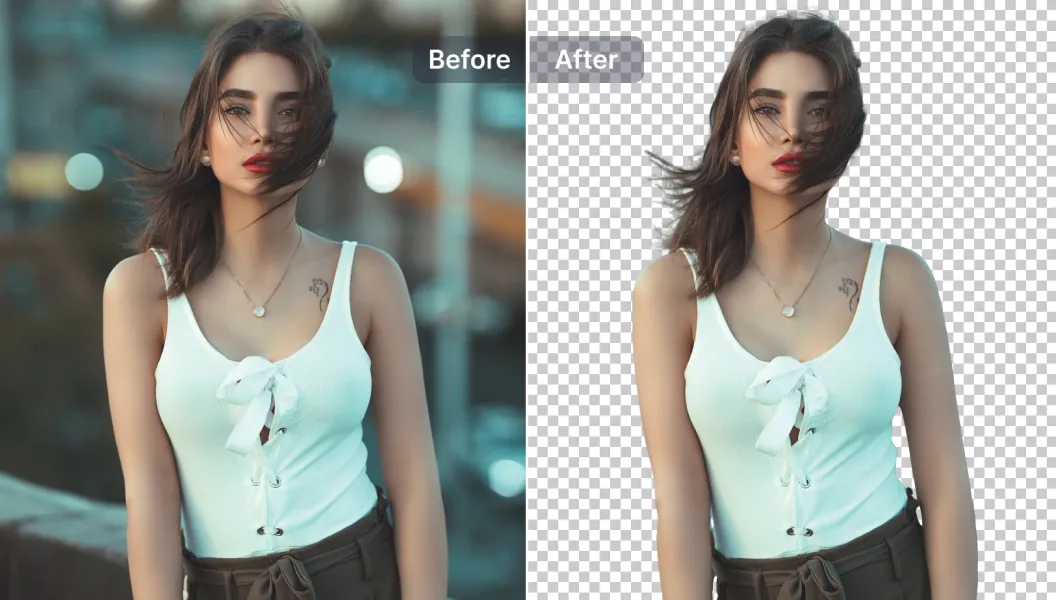
Pilihan Pengeditan yang Kuat
Alur kerja analitis: Manfaatkan alat penyuntingan berbasis AI untuk menyempurnakan visual PDF—sesuaikan overlay teks, hapus elemen yang tidak perlu, ubah ukuran gambar yang tertanam, tingkatkan kejernihan, dan perbaiki keterbacaan, semuanya dalam platform ulasan.
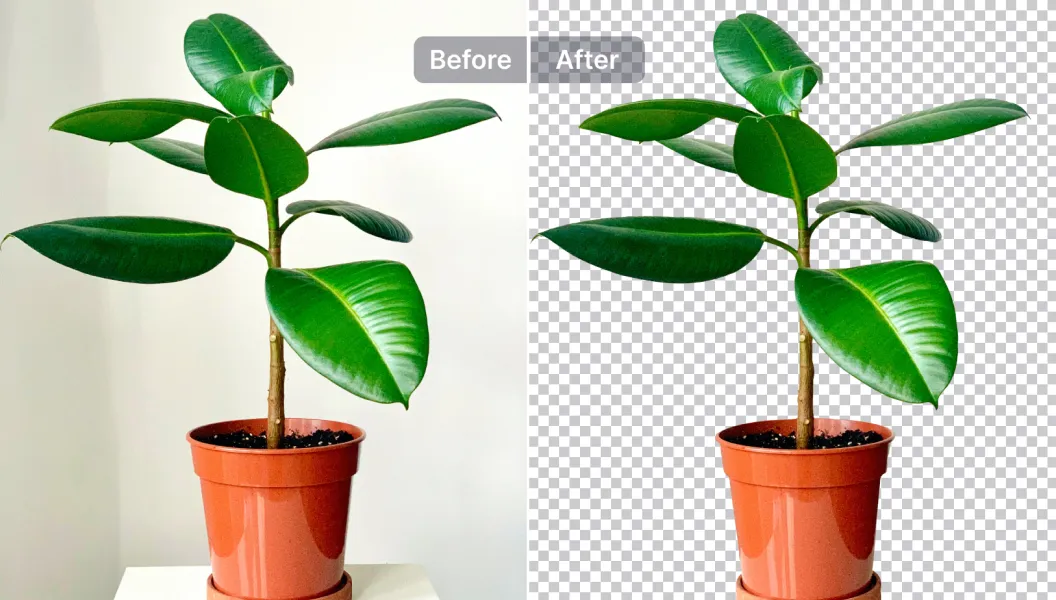
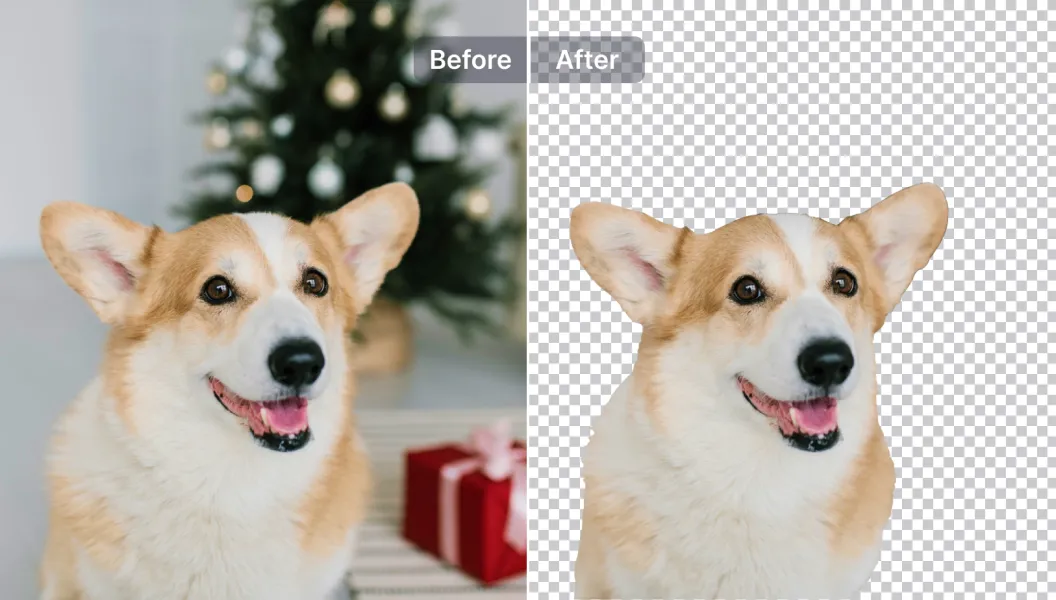
Sunting, ganti, atau buat latar belakang menjadi transparan
Dalam ulasan: Tetapkan transparansi latar belakang atau ganti visual dengan template netral (atau opsi kustom) untuk menstandarkan penampilan di seluruh dokumen, mendukung analisis yang konsisten dan penyajian temuan.

Free to Try
AIPhotor is free to try for 3 days, after which you can subscribe to one of our incredible value plans.

Free to Try
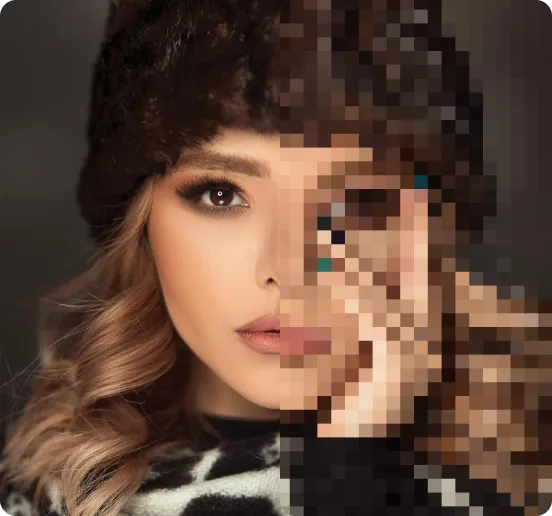
We automatically sharpen and transform your images with AI to create multiple final looks. But you can also adjust and add a prompt to customize the results. Choose what works best for you!

Quick & Easy
Screen, edit, resize and download your photos lightning fast.

Compatible with all devices
AIPhotor is available on the iOS and Android stores. Our app works seamlessly across mobile, desktop, and tablet devices.
Frequently Asked Questions
-
What is AIPhotor Photo Editor?

 AIPhotor is a visual online photo editing website that leverages AI technology to help automatically remove objects/people from images; retouch, enhance, colorize, correct, cartoonize, and animate photos in a snap, replacing other photo editing tools Photoshop, Pixlr editor, or Photopea.
Or just drag & drop image here, upto 50 images at once
Or just drag & drop image here, upto 50 images at once
Frequently Asked Questions
-
What is AIPhotor Photo Editor?
AIPhotor is a visual online photo editing website that leverages AI technology to help automatically remove objects/people from images; retouch, enhance, colorize, correct, cartoonize, and animate photos in a snap, replacing other photo editing tools Photoshop, Pixlr editor, or Photopea.