
{{ getFeatureName(action_mode) }} your image

Drop your image here.
Our popular AI tools
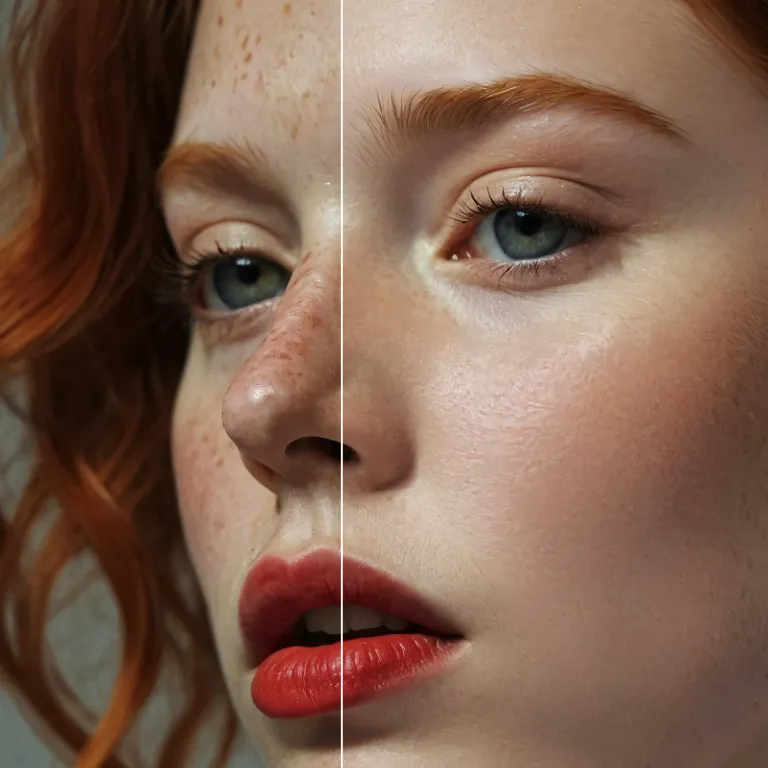
Enhance Photo
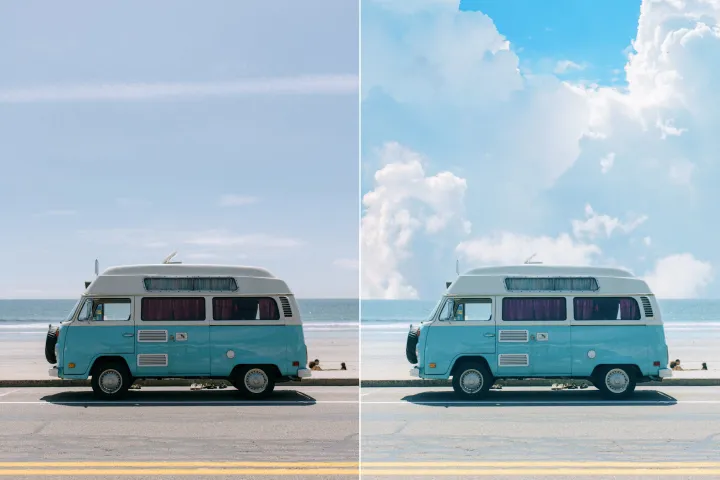
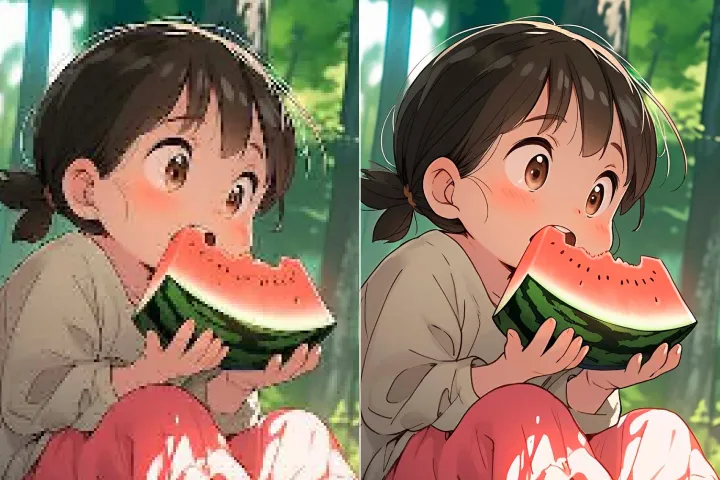
Automatically enhance the blurry photo's resolution and increase the overall quality.
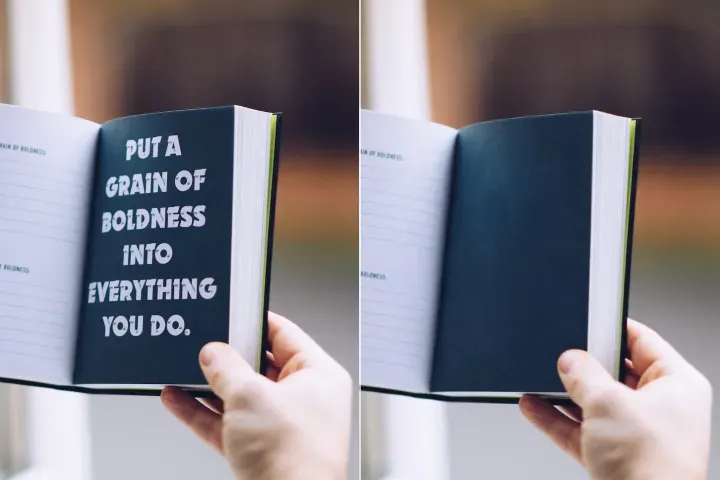
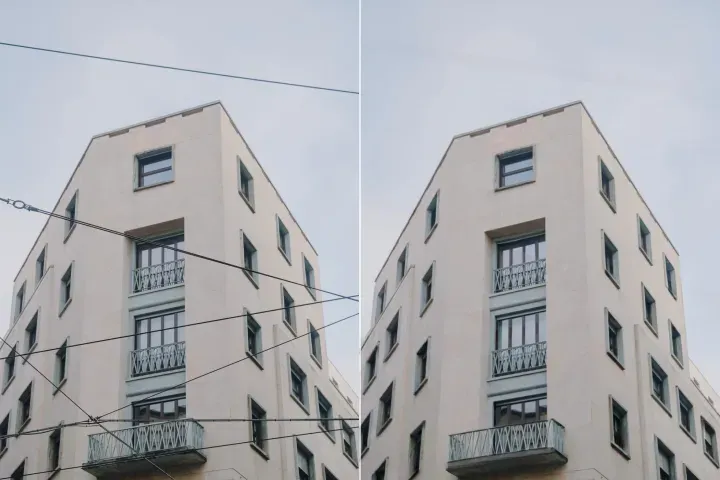
Remove Objects
AIPhotor's One-Touch AI simply detects and removes unwanted details in your picture.
Remove Background
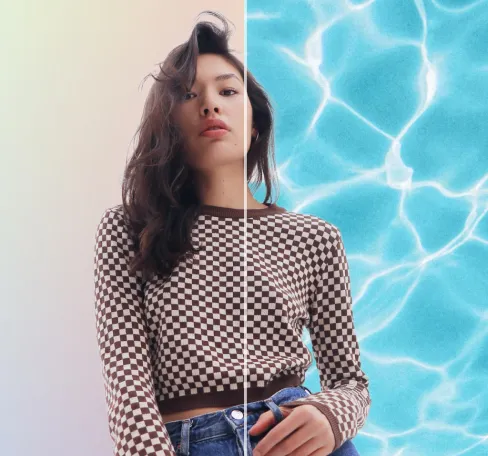
Seamlessly remove background from photos. Edit background with 100+ well-designed templates.
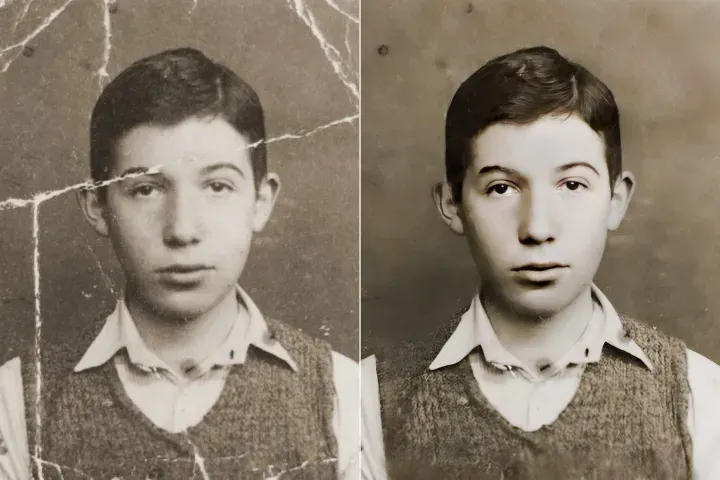
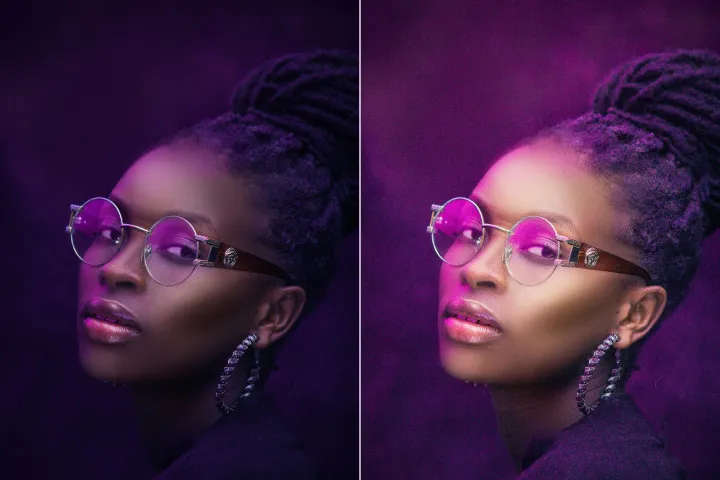
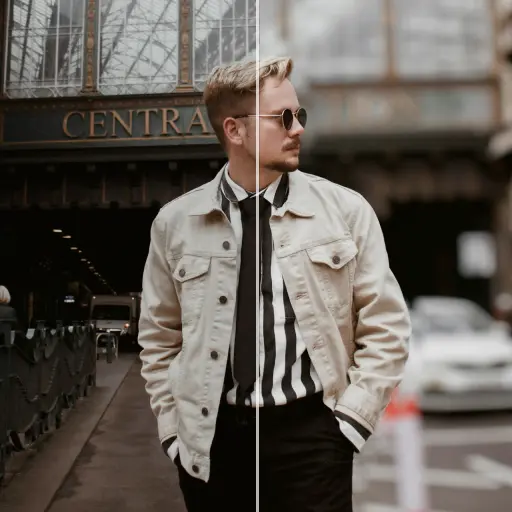
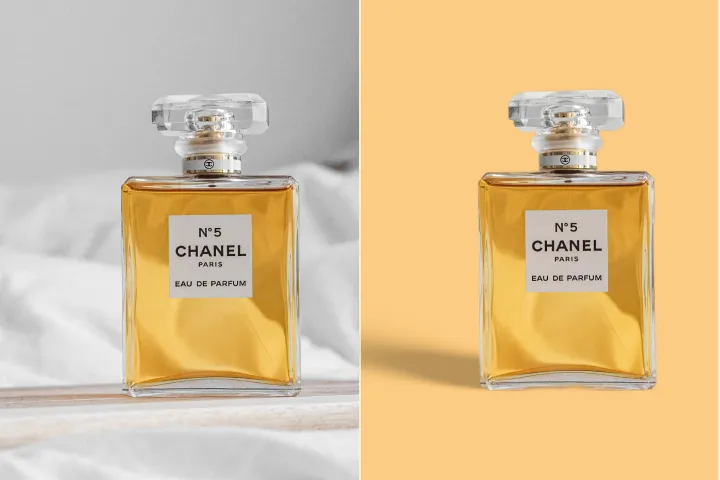
Eliminador de fons d'imatge
amb IA
Focalització del contingut del PDF: Eliminar elements de fons distractors de figures o elements gràfics per a millorar la llegibilitat durant la revisió. Ajusta les imatges, harmonitza els colors o substitueix els fons per plantilles neutrals, guiats per AIPhotor.
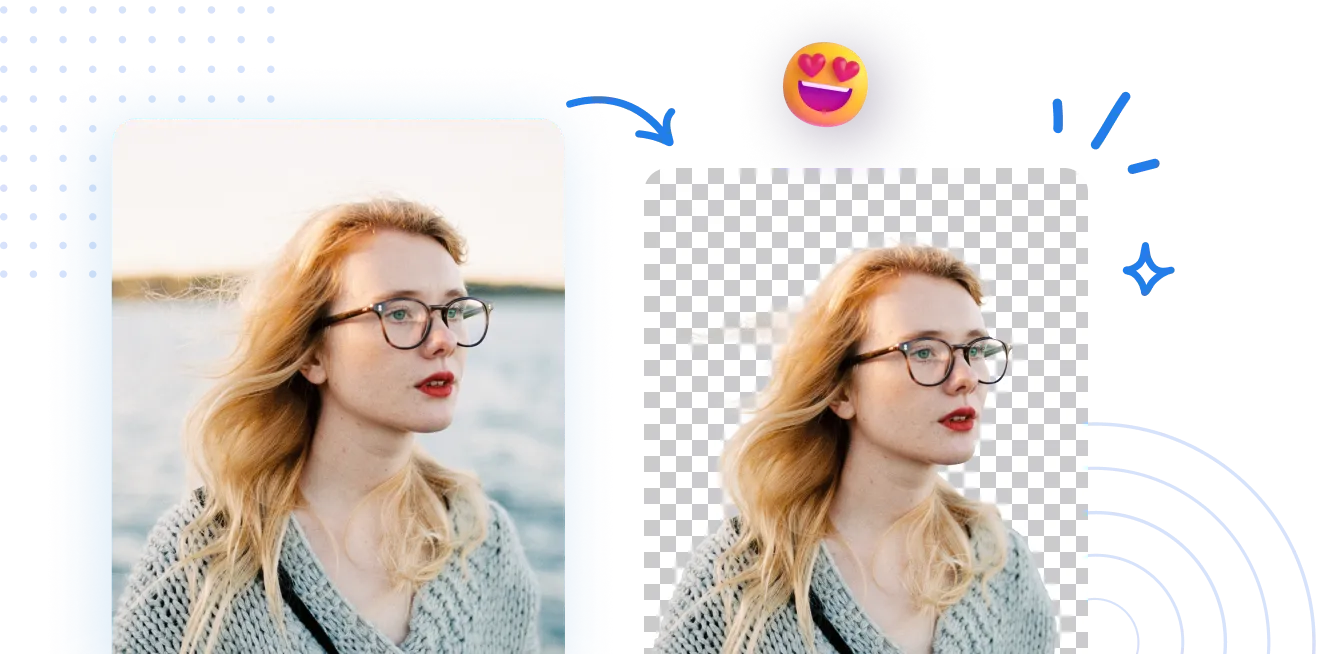
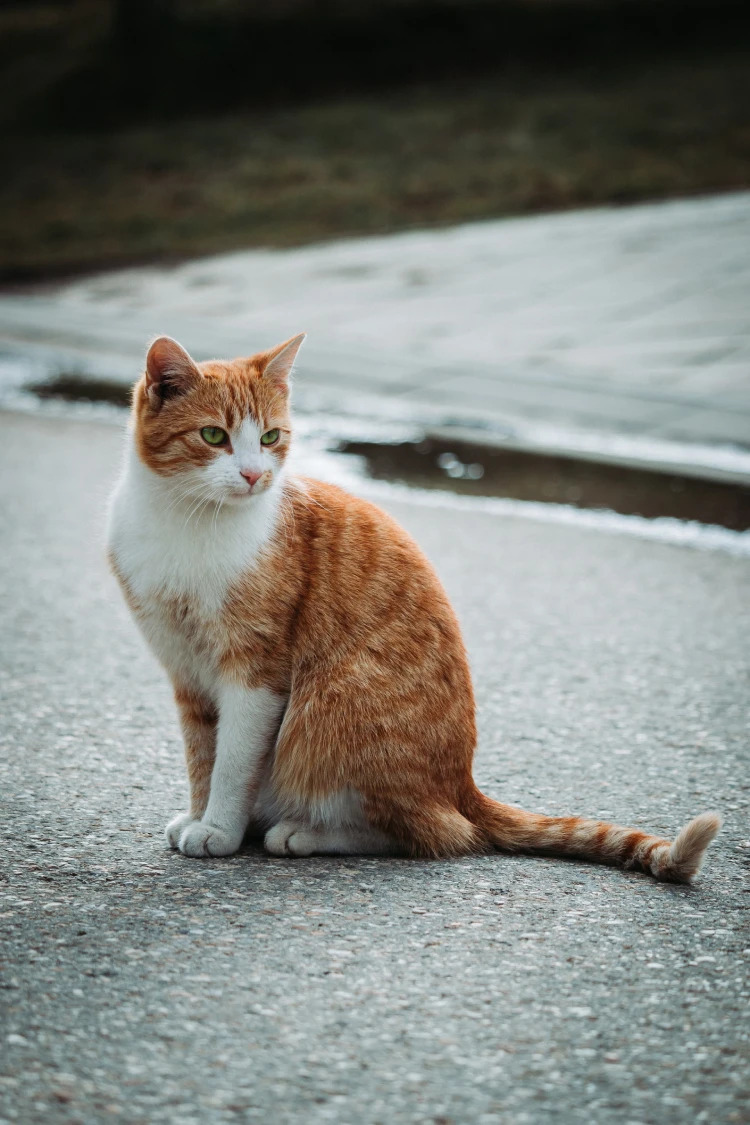
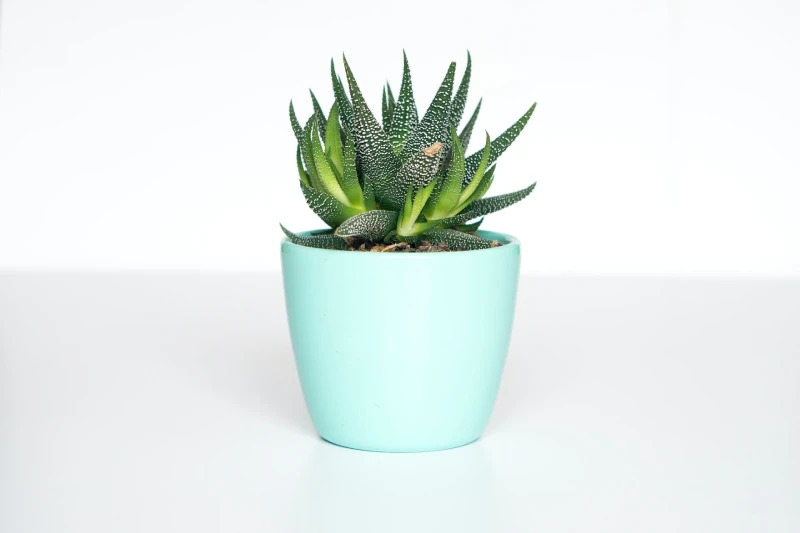
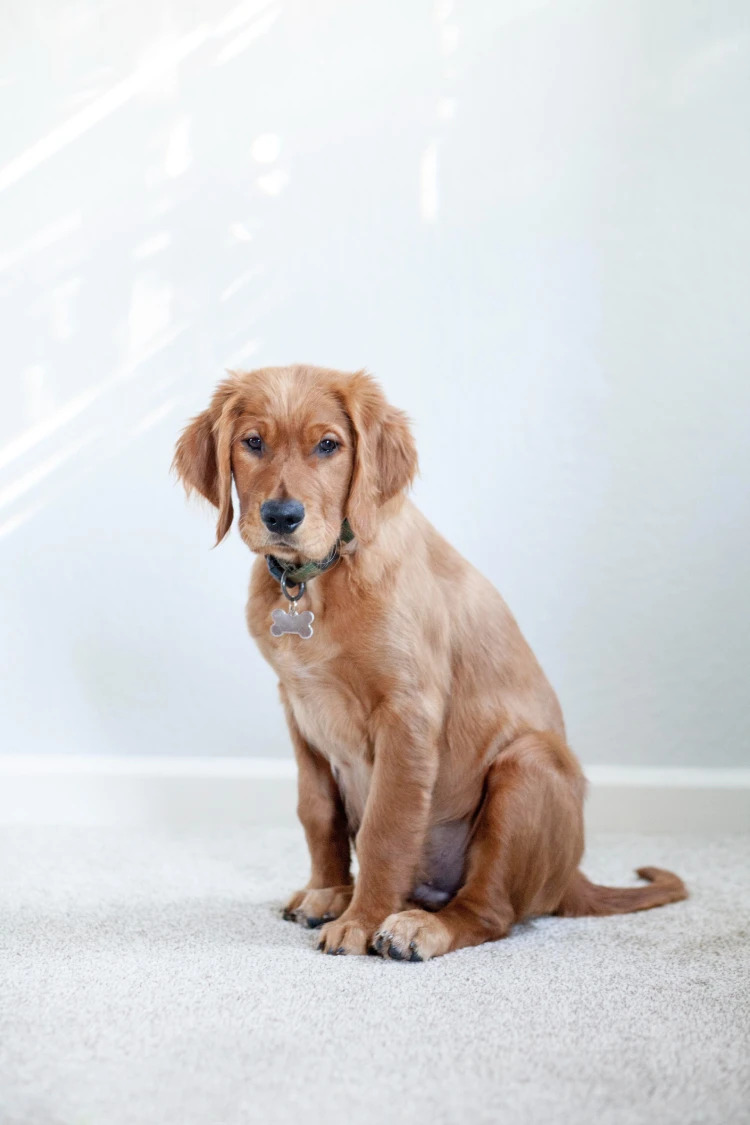
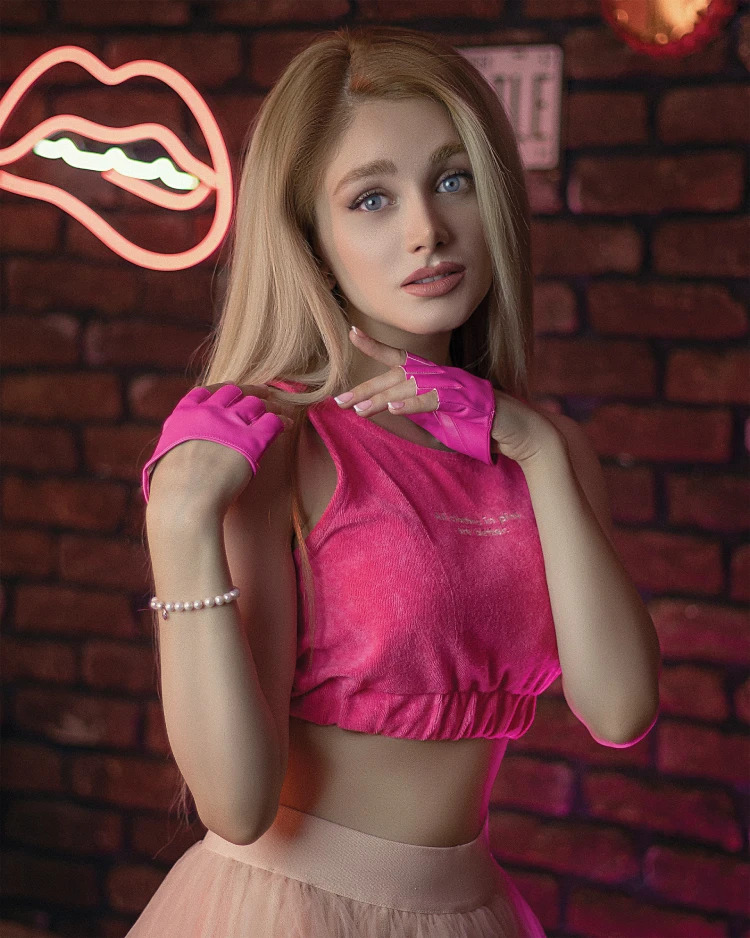
Com eliminar el fons d'una foto?
Flux de treball de revisió de PDFs: utilitza el Background Remover d'AIPhotor en 3 passos dins del flux de treball de revisió del PDF. Pas 1: Accedeix a la funcionalitat Background Remover i selecciona l'element objectiu en el document. Pas 2: Deixa que la IA analitzi i elimini el fons; Pas 3: Aplica refinaments i exporta les visuals revisades en PDF.
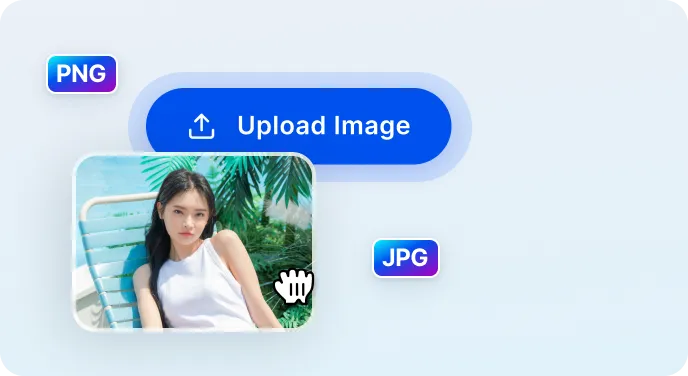
1 Carrega la imatge
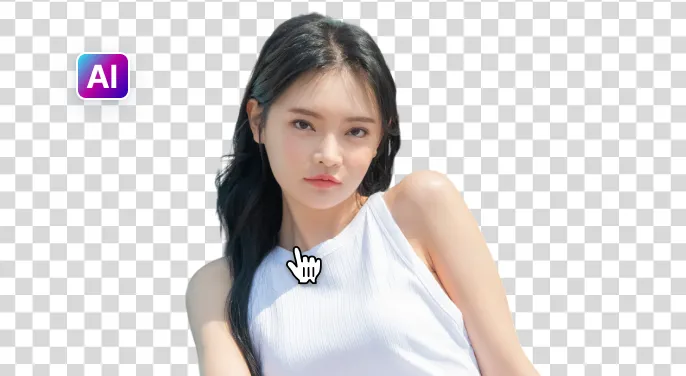
2 Espereu que la IA elimini el fons
3 Descarregueu la imatge
Elimina més fàcilment el fons de la imatge amb IA
Esborrador de fons ràpid i precís
En termes de revisió de PDF: l'eina identifica i elimina ràpidament fons que distreuen, preservant els detalls essencials de les figures i diagrames per a una interpretació precisa durant l'anàlisi.
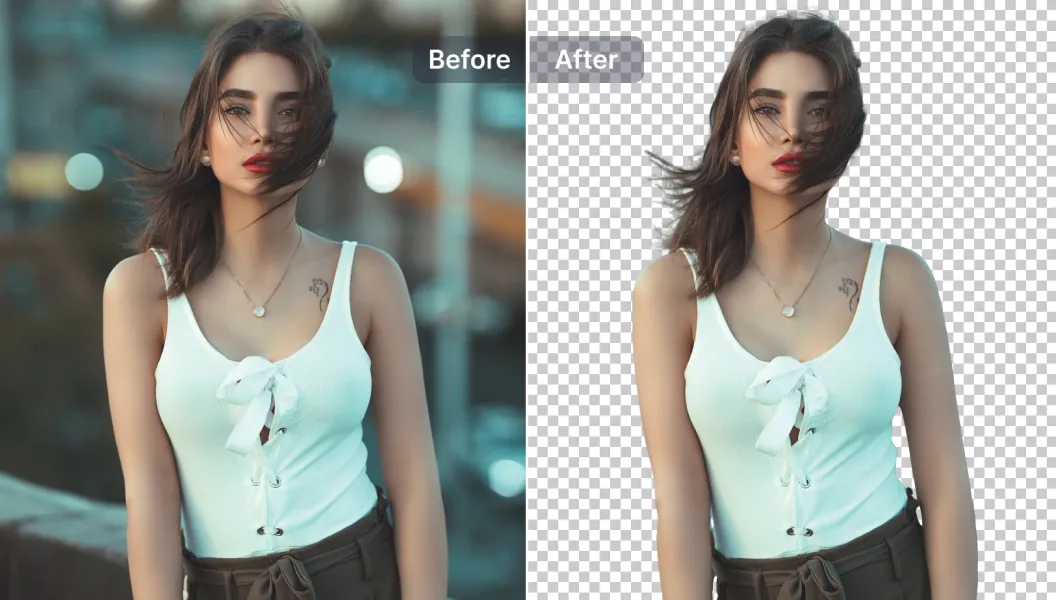
Opcions d'edició potents
Flux de treball analític: aprofiti les eines d'edició impulsades per IA per a refinar les visuals en PDF — ajusta les superposicions de text, elimina elements superflus, redimensiona les imatges incrustades, millora la claredat i la llegibilitat, tot dins de la plataforma de revisió.
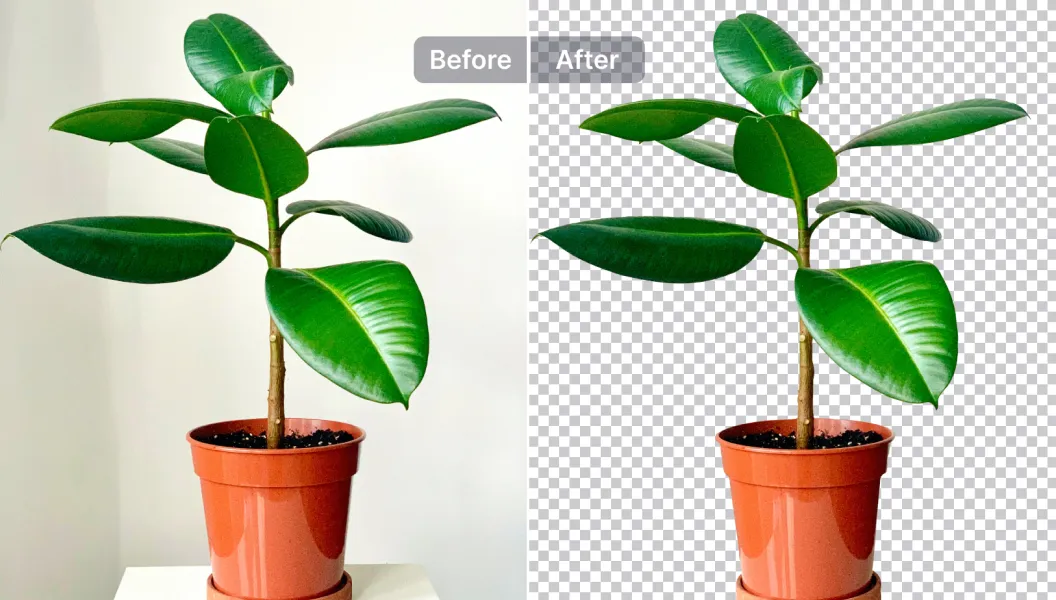
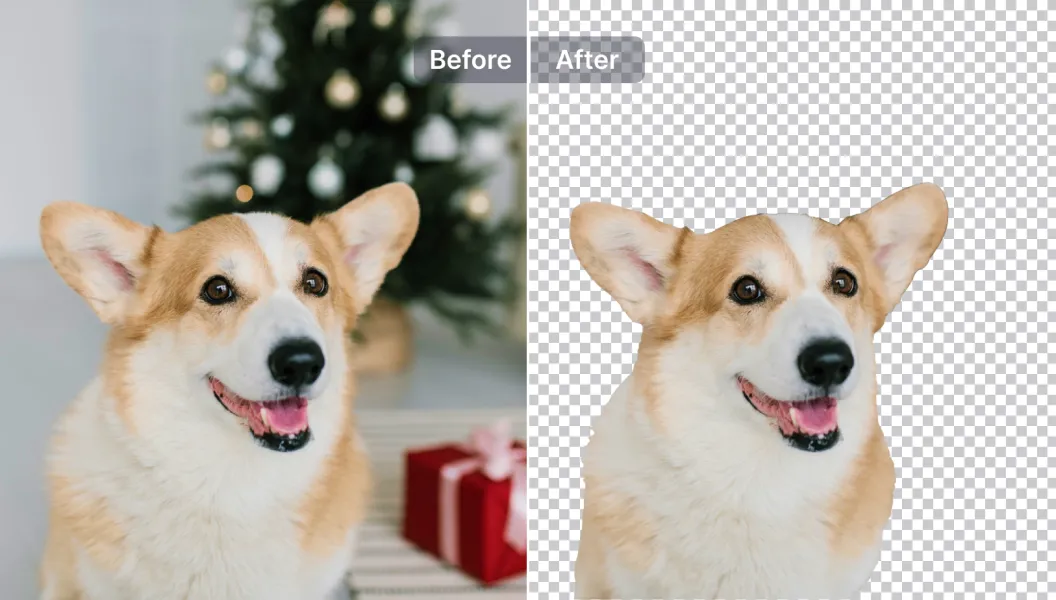
Edita, reemplaça o deixa el fons transparent
En revisions: Estableix la transparència de fons o substitueix les imatges per plantilles neutres (o opcions personalitzades) per estandarditzar l'aspecte a través del document, donant suport a una anàlisi i presentació consistents dels resultats.

Free to Try
AIPhotor is free to try for 3 days, after which you can subscribe to one of our incredible value plans.

Free to Try
We automatically sharpen and transform your images with AI to create multiple final looks. But you can also adjust and add a prompt to customize the results. Choose what works best for you!

Quick & Easy
Screen, edit, resize and download your photos lightning fast.

Compatible with all devices
AIPhotor is available on the iOS and Android stores. Our app works seamlessly across mobile, desktop, and tablet devices.
Frequently Asked Questions
-
What is AIPhotor Photo Editor?

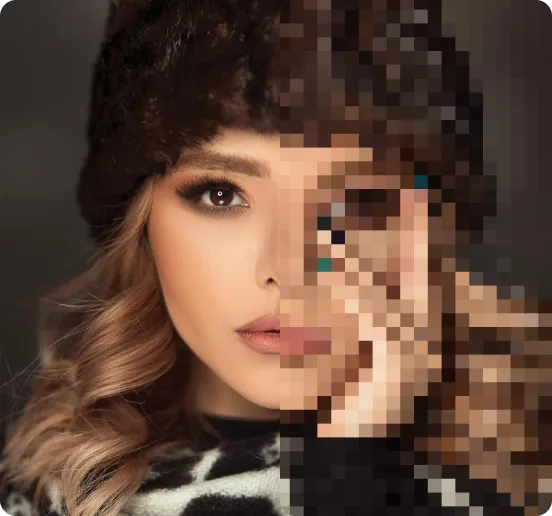
 AIPhotor is a visual online photo editing website that leverages AI technology to help automatically remove objects/people from images; retouch, enhance, colorize, correct, cartoonize, and animate photos in a snap, replacing other photo editing tools Photoshop, Pixlr editor, or Photopea.
Or just drag & drop image here, upto 50 images at once
Or just drag & drop image here, upto 50 images at once
Frequently Asked Questions
-
What is AIPhotor Photo Editor?
AIPhotor is a visual online photo editing website that leverages AI technology to help automatically remove objects/people from images; retouch, enhance, colorize, correct, cartoonize, and animate photos in a snap, replacing other photo editing tools Photoshop, Pixlr editor, or Photopea.